Microsoft Teams Hidden Costs After Deployment


Microsoft Teams hidden costs catch most companies off guard. Teams comes bundled in your Microsoft 365 plan—it looks free. But "included" and "adequate" are not the same thing. When you add voice, the real costs show up fast.
The pattern repeats across fields. A 130-employee firm looks at Teams Phone, finds the limited SMS capability mid-rollout, and needs extra tools.
Healthcare groups commit to Teams, then find that SMS workflows for appointment reminders require separate tools costing thousands each year.
The Microsoft Teams Phone pricing breakdown goes well past the base license. Most IT teams only see this after they go live.
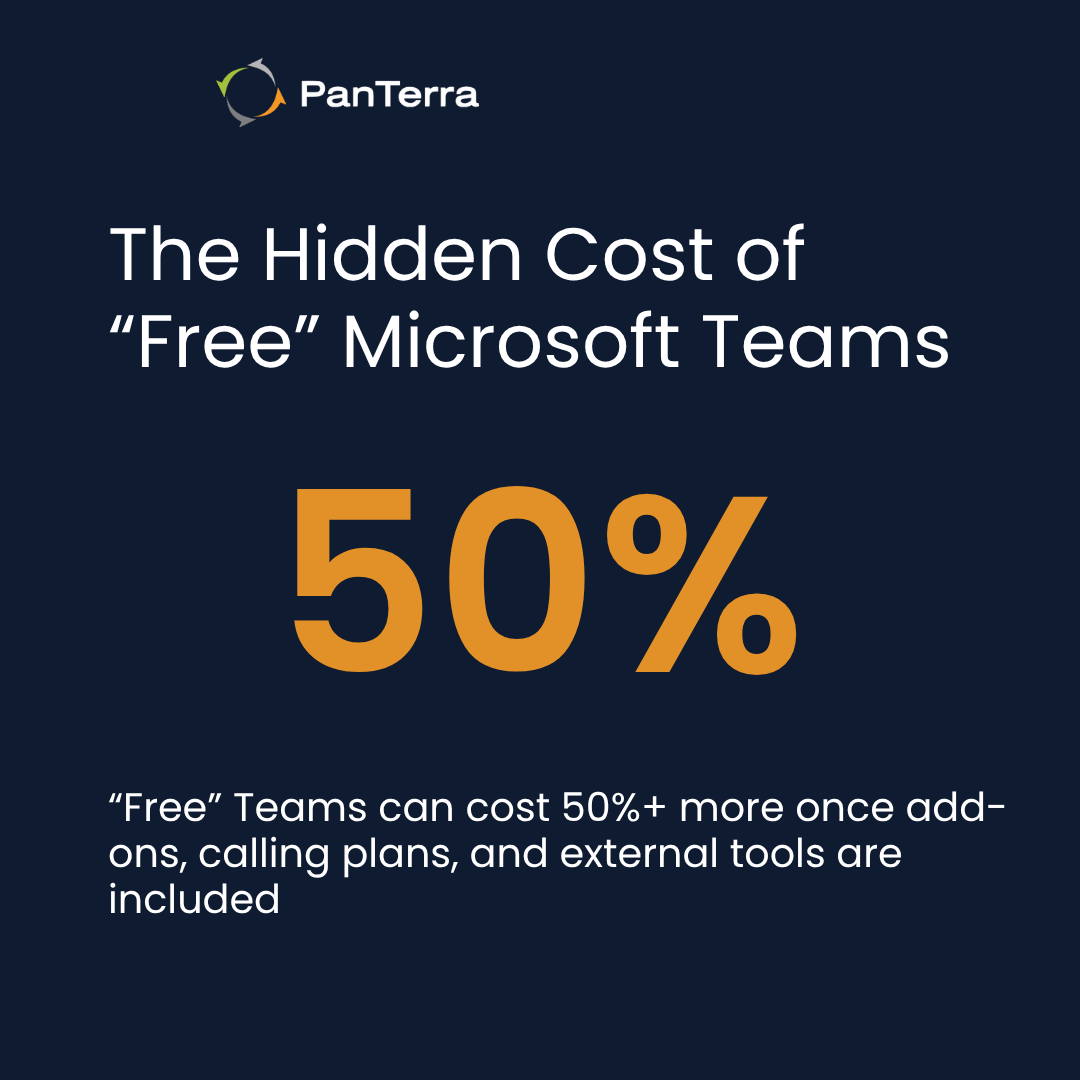
Microsoft Teams hidden costs include add-on license fees, network setup costs, and lost output that make Teams Phone far more costly than it looks. Base M365 plans run $22 to $36 per user each month.
Add Teams Phone at $8 per user, calling plans at $12 to $20 per user, and the "free" tool becomes a real budget line. SMS is not included in a way that supports business messaging workflows. Contact center features are not included.
Groups that need both end up running separate tools—or moving to a cloud contact center platform that covers everything in one place.
Key Takeaways
-
Teams works well for internal teamwork but lacks enterprise voice depth, SMS, and call center features
-
Teams Phone costs include base M365 ($22–$36/user/month), a $8/user add-on, plus calling plans ($12–$20/user/month)
-
limited SMS capability pushes companies into separate messaging tools — Teams Phone SMS lacks the routing, integration, and workflow depth most businesses need (SMS open rates run 98% vs. 37% for email)
-
Enterprise voice limits include shallow IVR, basic reports, and no native contact center
-
Streams.AI for Microsoft Teams adds voice, SMS, and Call Center seats inside Teams — with full Contact Center available as a standalone solution alongside M365
Who This Is For
Best for: IT directors and ops leaders at 50–500-employee companies running Microsoft 365, checking whether Teams Phone covers their voice and messaging needs before they commit.
Not ideal for: Groups without existing Microsoft 365 plans, or companies where contact center is the main use case from day one.
Top use cases: Calculating the true Teams Phone total cost before rollout. Justifying extra tools to leaders already committed to Microsoft. Checking Streams.AI as a way to extend—not replace—the M365 investment.
Why Microsoft Teams Hidden Costs Catch Organizations Off Guard
When you already pay for Microsoft 365, Teams looks like a free add-on. Leaders ask: "We already own Teams—why pay for anything else?" That mindset is where most Microsoft Teams hidden costs begin.
It also ignores the real cost of gaps. A manufacturing firm spending $180,000 each year on M365 E3 licenses for 400 staff assumes voice is covered. It is not—not without extra spend.
The real math means comparing what Teams gives you against what your business needs.
Teams Phone looks cheap until you add separate SMS tools (thousands each year for mid-sized teams), manual call transfers from missing skills-based routing (real IT hours lost each week), and customer experience gaps that rivals fill built in. Those costs often beat a purpose-built platform in year one.
What Microsoft bundles vs. what businesses actually need
Teams works well for internal work. Chat sorts by project. Video calls link to Outlook. File sharing ties to SharePoint. For staff-to-staff contact, Teams delivers real value.
The gaps show up when Teams handles customer-facing calls. Voice routing, channel reach, and SMS all need more depth than Teams Phone offers. Looking at what IT teams manage inside Teams Phone shows how fast that gap becomes a real problem.
Teams Phone auto-attendants handle simple menus: press 1 for sales, press 2 for support. This basic auto attendant phone system works for small teams with straightforward routing needs.
Enterprise teams need multi-level menus, calendar-based routing, skills-based call sorting, and CRM-driven routing for key customers. Teams Phone cannot do that. This is where purpose-built contact center software pulls ahead.
When Microsoft shops still need additional tools
Teams-committed groups end up adding third-party contact center solutions for customer service, separate SMS tools, advanced routing systems, and call recording tools. These added costs can beat the original M365 spend for mid-sized teams—on top of M365 licenses that were supposed to cover business communications.
The model that works best keeps Teams for internal teamwork and adds a focused voice platform for customer-facing work. That is not a workaround. It is where most enterprise teams land.
Teams Phone Add-On Costs That Aren't Really Free
The "included" idea falls apart fast when you look at actual licensing. Microsoft builds Teams Phone as a multi-tier add-on where each layer carries its own per-user fee.
The real licensing math
Per Microsoft's add-on licensing docs, here is what Teams Phone actually costs:
-
Base M365 Business Premium: $22/user/month
-
Base M365 E3: $36/user/month
-
Teams Phone Standard add-on: $8/user/month
-
Microsoft Calling Plans: $12–$20/user/month (domestic vs. global)
The minimum comes to $42/user/month for Business Premium with domestic calling. E3 with global calling reaches $64/user/month. For 100 staff, that is $50,400 to $76,800 each year—before SMS tools or contact center software.
Direct Routing infrastructure
Groups that pick Direct Routing over Microsoft Calling Plans find setup costs that were not clear during the sales process. Direct Routing means you must set up and run Session Border Controller (SBC) gear—a cost and burden that Teams Phone does not remove.
Per Microsoft's Direct Routing planning docs, groups also need SIP trunk deals, number porting fees, and IT time for setup and upkeep.
Teams updates often and can break SBC links. Fixing call quality problems needs skills across more than one domain—rarely all held by one IT person.
This is a key gap in VoIP contact center deployments that run through Teams.
Hidden costs in call quality
Teams Phone call quality depends on network gear the group must set up on its own. Each live call needs 100 to 500 Kbps. Fifty calls at once need 5 to 25 Mbps of set-aside capacity.
Groups with too little bandwidth get choppy audio and dropped calls until they upgrade their circuits—costs from hundreds to thousands each month.
Network priority settings become a must. IT teams need to set firewall rules, tune network devices, and handle traffic right to stop jitter and packet loss.

Microsoft Teams Hidden Costs from limited SMS capability
Teams Phone offers limited SMS capability that lacks the depth businesses need for operational messaging workflows. Groups often discover this gap mid-rollout, after porting their numbers and committing to the platform.
Business numbers on Teams Phone lack the routing depth, CRM integration, and two-way messaging workflows that operational teams rely on.
Why SMS still matters
SMS open rates hit 98% versus 37% for email, per Notifyre's 2025 SMS Marketing Statistics. It needs no app, works on every device, and runs without real-time back-and-forth.
Healthcare groups that use SMS-based appointment reminder tools have cut no-show rates by up to 38%, per a peer-reviewed study from Imperial College London. These workflows typically require dedicated messaging platforms and are not part of standard business SMS implementations.
Logistics and retail firms rely on SMS for delivery updates.
Finance and legal firms have compliance rules for text records that Teams Phone cannot meet without extra tools.
The workaround cost
Groups that need operational SMS workflows alongside Teams Phone face a choice: add a dedicated business SMS texting service alongside Teams, or move to a platform that includes business SMS capabilities natively.
Per-message and per-number fees apply. The added cost and setup time are real budget and IT burdens that a more integrated approach can reduce this complexity.
Custom link setup adds more. Connecting SMS tools to Teams directories and CRM systems takes real dev time plus ongoing upkeep.
When the limited SMS capability becomes a hard stop
SMS becomes a Teams Phone operational constraint in healthcare, field service, retail, and logistics. These fields find the gap mid-rollout and face three bad options:
-
Drop Teams Phone after porting numbers
-
Run separate SMS tools in parallel
-
Cut text workflows customers count on
Streams.AI for Microsoft Teams adds native SMS inside Teams—so the number that takes calls can also send and get texts.
Enterprise Voice Limitations Inside Teams
Teams Phone calls itself enterprise-ready. Real-world use shows the gaps.
Call routing and IVR constraints
Enterprise teams need a robust IVR phone system with multi-level nested menus past 2 to 3 layers, calendar-based holiday routing, and skills-based sorting that matches callers to agents by product knowledge, language, and customer tier.
Teams Phone queues run first-in-first-out. Enterprise contact center management needs rules-based routing that checks more than one factor at once.
Analytics and reporting gaps
Teams Phone gives basic call volume reports by user or department, but it lacks the depth of dedicated call analytics software. It does not surface MOS scores, jitter data, or packet loss stats—the quality signals IT teams need to fix complaints. Call history only goes back 30 days.
That is not enough for quarterly trend work or long-term planning. Omnichannel contact center platforms keep much deeper records and surface the data teams need to act.
Contact center functionality Teams doesn't provide
Teams Phone handles voice only. Omnichannel support—combining voice, email, chat, social, and SMS in one agent view—does not exist in Teams Phone.
Customer contact history breaks apart across systems. Workforce tools for agent scheduling, tracking, and live queue views all need separate platforms.
Contact center AI features from Streams.AI address this gap. Call Center seats are available inside the Teams App. Full Contact Center functionality runs as a standalone solution outside the Teams environment.
When to Extend Teams — Not Replace It
The right question is not whether Teams has value. It does—for internal teamwork. The question is where Teams ends and what fills the gap.
The integrated communications model
The model that works keeps M365 for internal work—chat, video, file sharing—while adding focused voice for customer-facing calls. Internal calls go through Teams. Customer calls go through cloud contact center solutions that handle SMS, advanced routing, and contact center features. One directory. Coordinated call handling. No parallel systems.
Evaluating platforms that work with Teams
Teams-compatible platform review starts with how deep the link goes.
Microsoft certification shows technical fit—it does not promise a unified feel. Single sign-on, auto directory sync, and a consistent user interface separate real linking from surface-level tie-ins.
Feature review should focus on what Teams genuinely lacks: native SMS, advanced call routing, and deep CRM links. Streams.AI for Microsoft Teams adds these inside Teams—keeping continuity if Teams Goes Down, without replacing the M365 investment your group already made. For contact center needs, Streams.AI offers a standalone Contact Center solution that works alongside the Teams environment.
Making the business case
Making the case for spend beyond M365 needs specific, clear gaps—not just "Teams is not good enough."
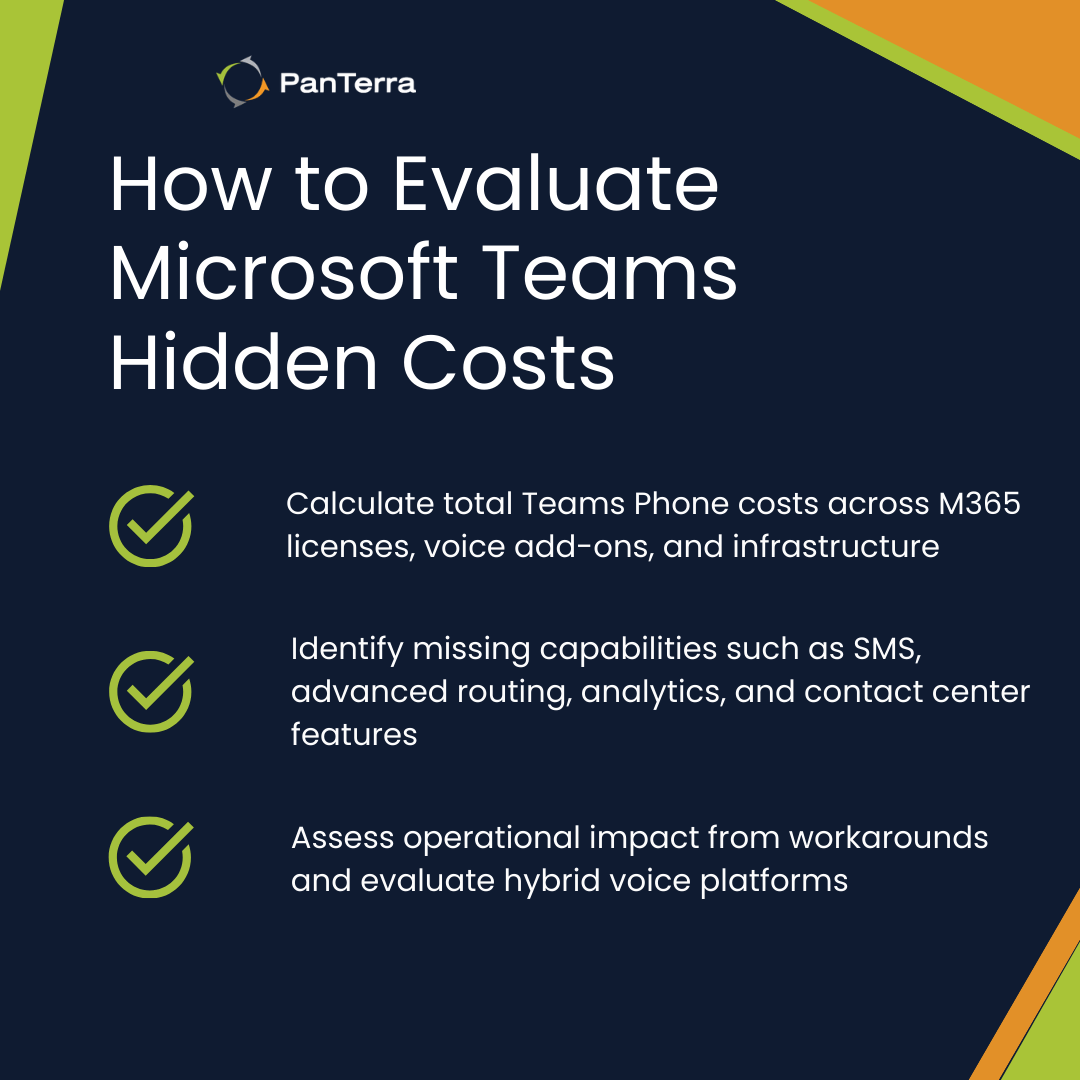
Show where missing SMS causes customer contact to fail. Calculate manual transfer hours from missing skills-based routing. A sales team manually routing calls 15 hours each week adds up to a large annual labor cost—one a purpose-built platform removes. The complete Teams Phone buyer's guide walks through the full review framework before you commit.
Better customer experience has clear financial value. Shorter wait times, higher first-call resolution, and full CRM context at the agent level drive retention—which offsets platform costs directly.
Discover how Streams.AI for Microsoft Teams extends your M365 investment with advanced voice, SMS, and call routing features—without the hidden costs of Teams Phone. Get a custom quote.
Frequently Asked Questions
Is Teams Phone included in Microsoft 365? Teams Phone needs a separate add-on license at $8 per user per month on top of your base M365 plan. It is not included in standard M365 plans.
Can Teams Phone send and receive SMS? Teams Phone supports basic SMS, but it lacks the depth, routing, and integration features that operational workflows require. Groups that need reliable two-way business messaging end up adding separate tools at extra cost.
What does Direct Routing add to Teams Phone costs? Direct Routing means you must set up and run SBC gear, SIP trunk deals, and IT time for setup and upkeep.Microsoft's Direct Routing docs cover the full technical needs.
How does Streams.AI for Microsoft Teams differ from Teams Phone? Streams.AI adds native voice, SMS, and fax inside the Teams view, along with Call Center seats inside the Teams App. It extends Teams rather than replacing it—so M365 teamwork features stay intact.
For organizations needing full Contact Center functionality (omnichannel support, advanced routing, workforce management), Streams.AI offers Contact Center AI as a standalone solution that works alongside Teams without depending on the Teams interface.
Does Streams.AI replace Microsoft Teams? No. Streams.AI for Microsoft Teams works alongside Teams, adding what Teams Phone cannot provide. Internal teamwork stays in Teams. Customer-facing contact runs through Streams.AI—with continuity kept if Teams Goes Down.
What industries are most affected by the Teams Phone limited SMS capability? Healthcare, field service, retail, and logistics rely on SMS for appointment reminders, tech dispatch, order updates, and delivery windows. All four fields run into the Teams Phone limited SMS capability as an operational ceiling during rollout.
What is the minimum monthly cost for Teams Phone? Base M365 Business Premium ($22/user) plus Teams Phone Standard ($8/user) plus a domestic calling plan ($12/user) totals $42/user/month at minimum—perMicrosoft's add-on licensing docs.
What contact center features does Teams Phone lack? Teams Phone does not provide omnichannel support, skills-based routing, workforce tools, agent scheduling, or live queue views. These need separate contact center platforms unless you use a unified solution like Streams.AI.
.jpg?width=500&height=500&name=Are%20you%20Getting%20a%20Good%20Deal%20(1).jpg)
Comments