Auto Attendant Phone Systems: What Businesses Should Look for in 2026

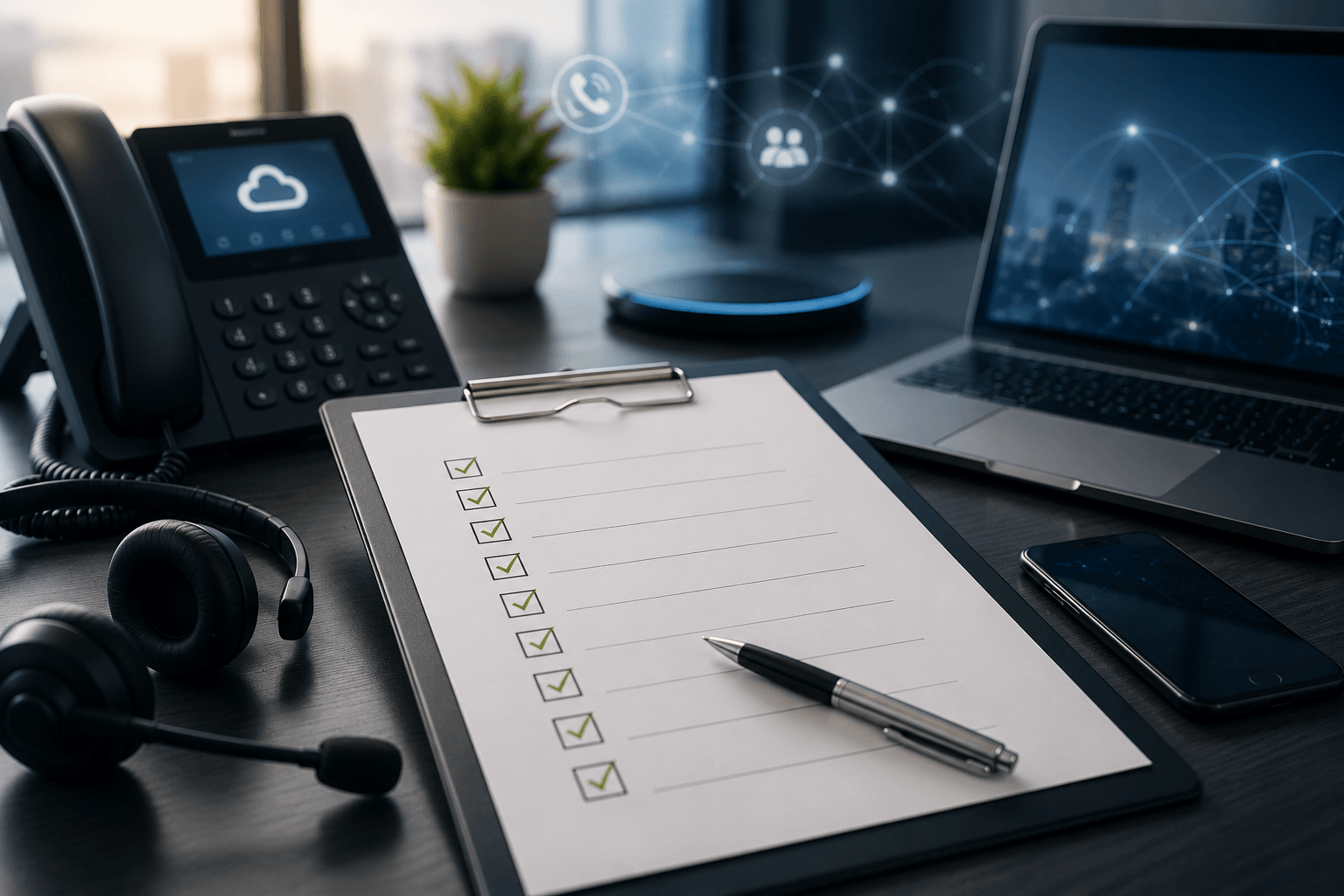
An auto attendant phone system answers every call instantly, greets the caller, and routes them to the right person without a human receptionist touching the phone. Done well, it makes a ten person company sound organized and keeps callers out of voicemail limbo. Done badly, it becomes the phone menu people complain about. The difference is not the technology. It is the setup choices: menu design, routing rules, and knowing when a plain attendant is enough versus when you need AI on the line. This guide covers what to look for in 2026, how to set one up callers will tolerate, and when to upgrade.
TL;DR and Key Takeaways
An auto attendant is the automated greeter and router built into most business phone systems. In 2026 the buying question has shifted: every platform includes one, so the real comparison is menu flexibility, hours based routing, and how cleanly the attendant hands off to voicemail, humans, or an AI receptionist.
- An auto attendant greets callers and routes by menu choice. IVR adds data lookups. An AI receptionist holds a conversation.
- Every caller should be able to reach a human or a voicemail within two menu choices.
- Business hours routing, holiday schedules, and department menus are the three features teams actually use weekly.
- Keep greetings under 15 seconds and menus to five options or fewer, in order of call volume.
- Upgrade to an AI receptionist when callers need answers, not just routing. The attendant handles the map; AI handles the conversation.
Who This Is For
Best for: Owners, office managers, and IT leads at businesses of 5 to 500 employees setting up or fixing call routing.
Not ideal for: Contact centers with agent queues and skills based routing, which need contact center software rather than an attendant.
Top use cases: Replacing a front desk bottleneck, routing after hours calls, giving each department a clean entry point, and cutting missed calls.
What Is an Auto Attendant Phone System?
An auto attendant phone system is a built in feature of a business phone platform that answers incoming calls automatically, plays a recorded greeting, and routes callers using menu options such as "press 1 for sales." Its primary function is call routing without a live receptionist. Unlike a full IVR, it works from a fixed menu rather than caller data, which keeps it simple to set up and maintain.
The name varies by vendor: auto attendant, automated attendant, virtual receptionist system, or digital receptionist. The function is the same. A caller dials your main number, hears your greeting, makes a choice, and lands on the right phone, ring group, or mailbox.
Modern platforms treat the attendant as part of the wider phone system rather than an add on. If you are mapping the whole stack, our guide to what unified communications is shows where the attendant sits among calling, messaging, and meetings.
Auto Attendant vs. IVR vs. AI Receptionist: What Is the Difference?
The auto attendant, the IVR, and the AI receptionist solve three different problems, and buying the wrong tier wastes money in both directions.
|
Capability |
Auto attendant |
IVR |
AI receptionist |
|---|---|---|---|
|
What it does |
Greets and routes by menu |
Routes plus looks up data |
Holds a natural conversation |
|
Caller input |
Keypad presses |
Keypad plus account numbers |
Plain speech |
|
Example |
"Press 2 for support" |
"Enter your account number" |
"How can I help you today?" |
|
Best for |
Routing calls to people |
Self service tasks like balances |
Answering questions, booking, screening |
|
Cost and effort |
Included in most plans |
Higher tiers or contact center |
Add on, priced per usage or seat |
The boundary that matters in 2026 sits between the attendant and AI. An auto attendant routes; it cannot answer "are you open Saturday?" An AI receptionist such as PanTerra's Luna answers that question, books the appointment, and routes the odd call a menu never anticipated. Industry coverage points the same direction: No Jitter's January 2026 reporting frames this as the year AI agents work alongside humans, resolving routine requests within guardrails and escalating the rest (No Jitter, 2026).
What Should an Auto Attendant Include in 2026?
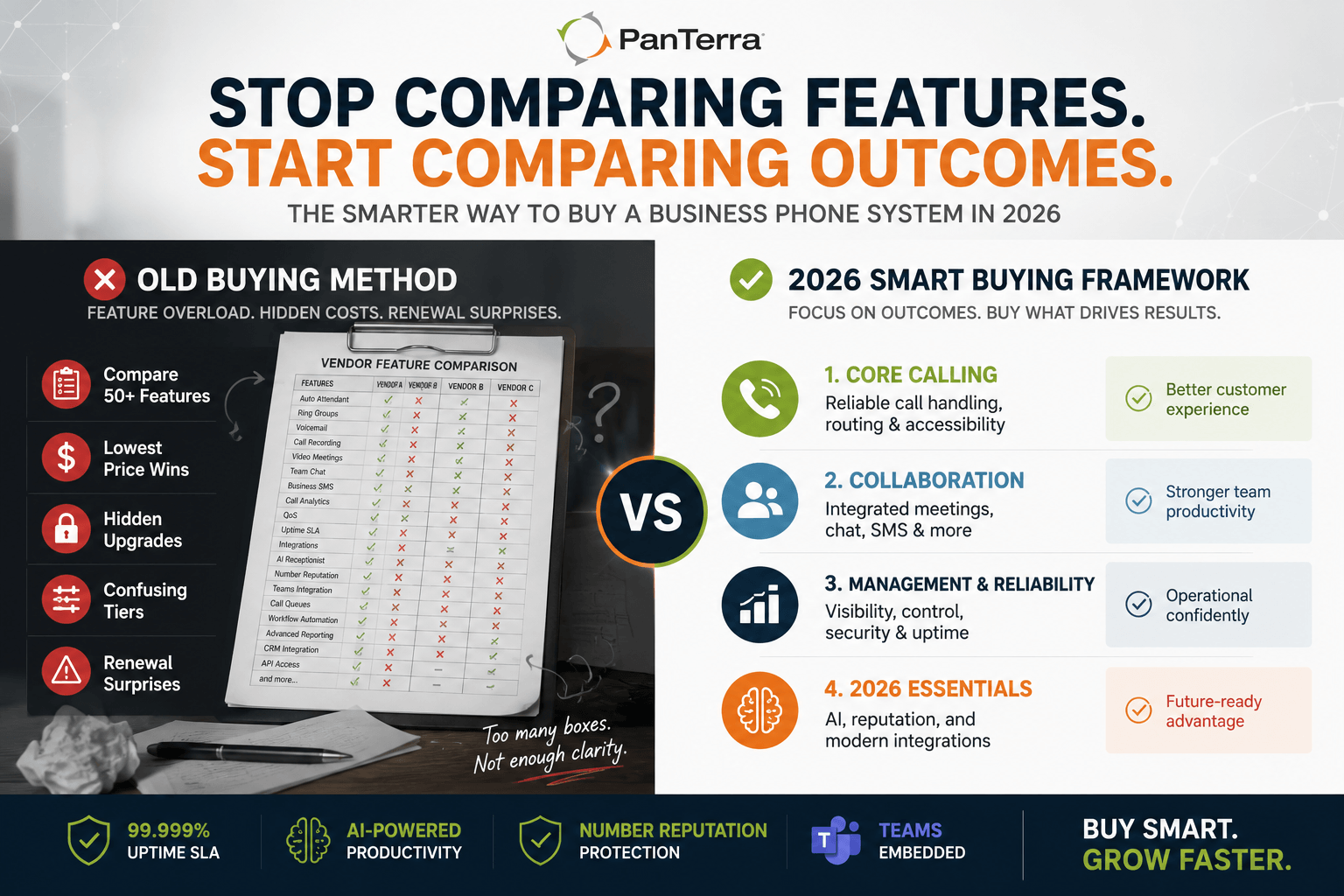
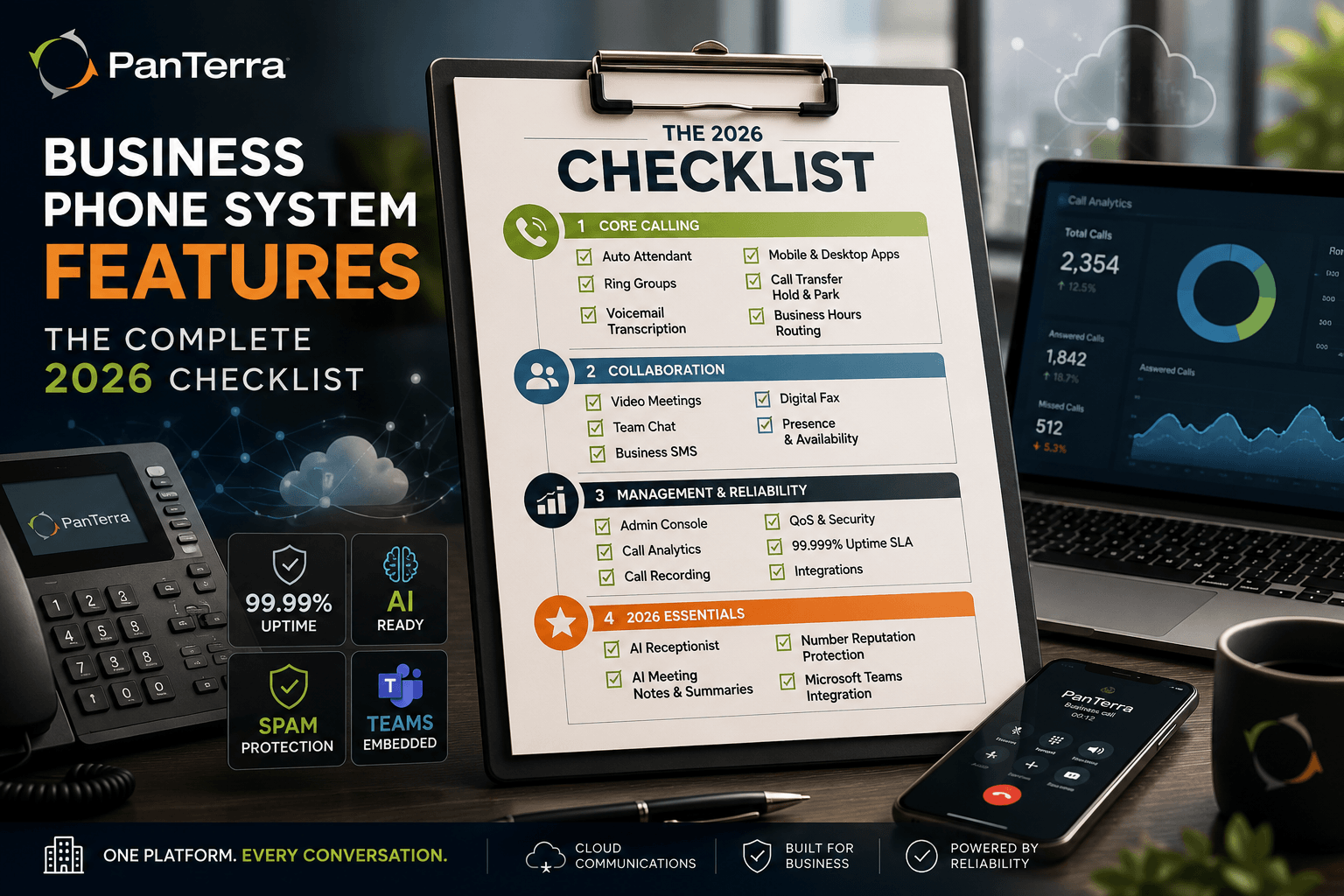
A current auto attendant should include seven capabilities as table stakes:
- Business hours routing. Different behavior for open hours, closed hours, and lunch coverage, switched automatically.
- Holiday schedules. Preloaded holiday greetings that flip on by date instead of relying on someone to remember.
- Multi level menus. A main menu that hands off to department submenus without forcing one giant list.
- Dial by name and extension. Regular callers skip the menu entirely.
- Ring groups and overflow. Route "press 1" to a team, not a person, with overflow to mobile or voicemail after a set ring count.
- Custom greetings you can change fast. Weather closures and events should take minutes to record, not a support ticket.
- Call analytics. Which options callers choose, where they abandon, and which routes end in voicemail. This data drives every fix.
Two platform level checks matter as much as the feature list. First, reliability: an attendant only answers when the platform is up, so hold the vendor to a 99.999 percent uptime SLA. Second, deliverability on the outbound side: if your business returns calls from numbers flagged as spam, routing inbound calls perfectly will not save the callback. Our guide on why answer rates fall covers that failure mode.
How to Set Up an Auto Attendant Callers Don't Hate
Set up an auto attendant with the caller's patience as the design constraint. Five steps:
- Write the greeting for 15 seconds or less. Company name, one sentence, then options. Cut the mission statement.
- Order menu options by call volume. Your most common reason for calling gets "press 1." Check analytics quarterly and reorder.
- Cap the menu at five options. More than five and callers forget the first ones. Use submenus if a department truly needs depth.
- Guarantee a human escape. Pressing 0 should always reach a person during business hours, and the path to voicemail should never exceed two choices.
- Test it monthly from the outside. Call your own main line like a stranger. Menus drift out of date faster than anyone expects.
Metric callout: The two numbers that predict caller satisfaction with an attendant: greeting length under 15 seconds, and a maximum of two choices to reach a human or voicemail. Everything else is refinement.
When Should You Upgrade from an Auto Attendant to AI?
Upgrade when your callers need answers rather than directions. The attendant is a map; it points. If your front line staff spend the day answering the same ten questions — hours, pricing, directions, appointment changes — the menu is not the bottleneck, the conversation is. That is the AI receptionist's job.
Three signals make the case: missed calls after hours that carry revenue, staff interrupted by routine questions, and callers abandoning the menu to mash 0. Our breakdown of how an AI receptionist stops revenue loss from missed calls quantifies the first signal, and our guide to vetting an AI answering service covers what to check before trusting one with your line.
The practical path on our platform: start with the auto attendant included in every plan on the business phone system, then layer Luna, the AI receptionist, on the lines where conversations pile up. Routing and AI share the same platform, so the upgrade is a configuration change rather than a second vendor.
FAQ
What is an auto attendant in a phone system?
An auto attendant is the automated feature that answers incoming calls, plays a greeting, and routes callers through menu options like "press 1 for sales." It replaces or supports a live receptionist for call routing, and it is included in most cloud business phone plans.
What is the difference between an auto attendant and IVR?
An auto attendant routes calls from a fixed menu of keypad choices. An IVR adds data interaction: callers enter account numbers, check balances, or complete self service tasks. Most businesses under 100 employees need an attendant; IVR belongs in contact center and high volume billing scenarios.
Can an auto attendant answer questions?
No. An auto attendant only greets and routes. If callers commonly ask about hours, pricing, or appointments, those conversations need either a human or an AI receptionist, which holds natural speech conversations and can answer, book, and screen before routing.
How many menu options should an auto attendant have?
Five or fewer at the main menu, ordered by call volume, with a guaranteed human escape on 0. Callers hold roughly a handful of options in memory. If a department needs more depth, use a submenu instead of stretching the main list.
Does PanTerra include an auto attendant?
Yes. Auto attendant features, including multi level menus, business hours routing, and dial by name, are built into PanTerra's business phone plans, with retail pricing starting at $17.95 per user per month. Luna, the AI receptionist, is available on top for lines that need conversational answering.
.jpg?width=500&height=500&name=Are%20you%20Getting%20a%20Good%20Deal%20(1).jpg)
Comments