What an AI Receptionist Should Actually Do (And Why Most 'AI Phone Answering' Tools Fall Short)

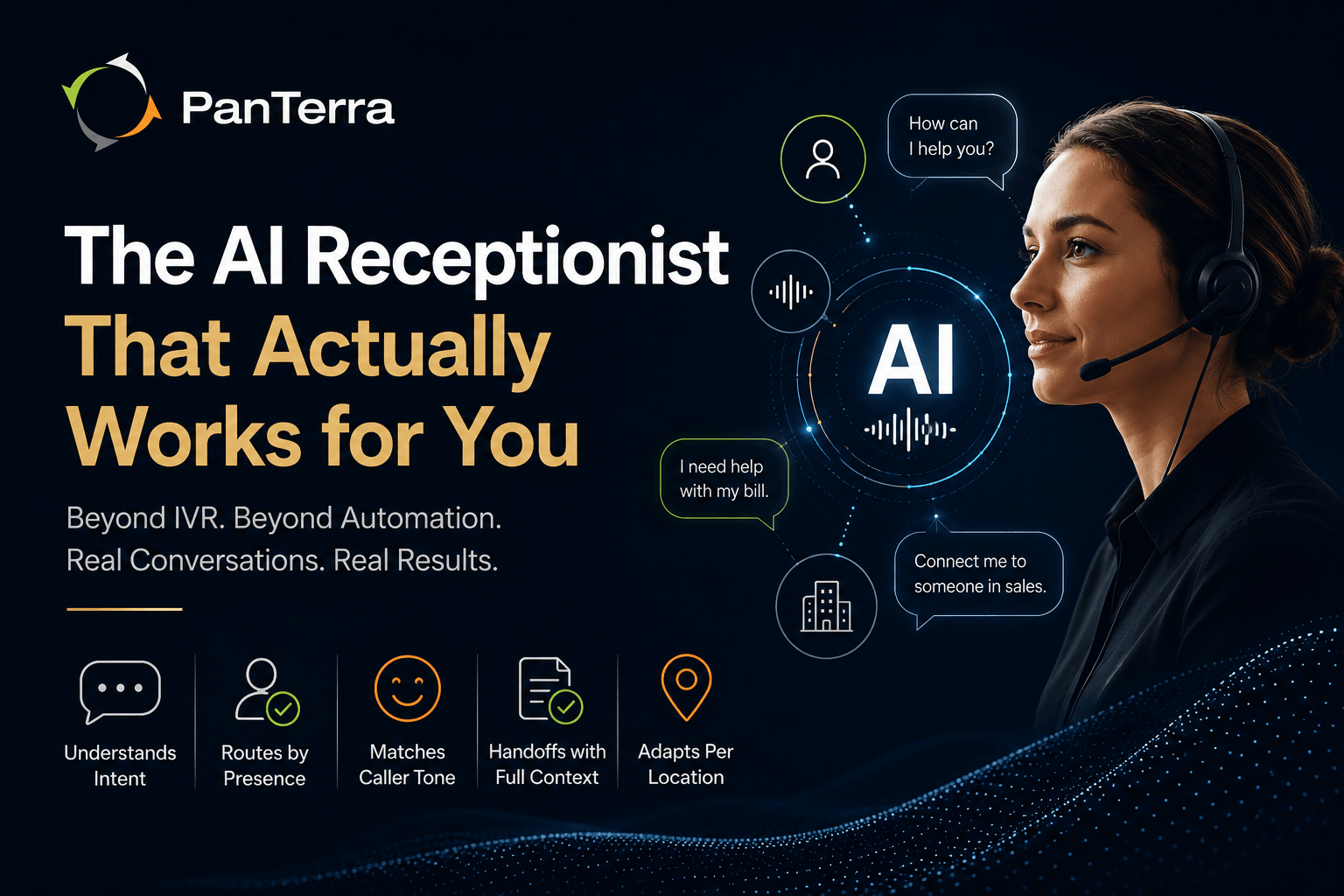
The first time a caller hears "To speak with sales, press 1. To speak with support, press 2. To hear these options again, press 9" — that is not an AI receptionist — that is a phone tree with a voice.
PanTerra announced Luna AI in June 2025 as a different category of tool entirely. The AI phone answering category has a naming problem. Dozens of tools now market themselves as AI receptionists, virtual receptionists, or AI answering services. Most of them are interactive voice response (IVR) systems with a conversational interface layered on top: they accept touch tone input or basic spoken commands and route accordingly. They do not understand what a caller actually needs. They cannot adapt to a caller who says something unexpected. They cannot adjust their tone to a frustrated caller versus an excited one. And when the call goes sideways, they send it to voicemail.
A real AI receptionist is a different category of tool entirely. This article defines what it should actually do, where the current generation of tools falls short, and what to verify before deploying any AI answering service in your business.
TL;DR: Key Takeaways
- Most 'AI phone answering' tools are IVR systems with conversational interfaces: they accept spoken commands but do not understand caller intent, context, or tone.
- A real AI receptionist understands why someone is calling, not just what button they pressed. It routes based on intent, not menu position.
- Five capabilities separate a real AI receptionist from an IVR with a UI: natural language understanding, real time presence routing, emotional intelligence, contextual human handoff, and per-location adaptability.
- After hours calls represent a disproportionate share of lost business. A system that routes to voicemail after 5 PM is not an AI receptionist: it is a message-taking service with extra steps.
- Luna AI, PanTerra's conversational AI receptionist, is built natively into Streams.AI, is HIPAA and HITECH certified, and includes human handoff with full context preserved. Available as an add-on at $10/month plus $0.20/minute.
Who This Is For
- Best for: Operations managers, IT directors, and business owners evaluating AI phone answering tools or virtual receptionist services — particularly organizations that have tried a basic IVR or automated attendant and found it falling short of caller expectations.
- Not ideal for: Organizations in the early stage of deciding whether to answer calls at all. This article assumes you want to answer every call well, not just some calls adequately.
- Top use case: Deploying an AI receptionist that handles after hours volume, routes intelligently across multiple locations, and hands off to live agents with full context — without the caller noticing the transition.
What 'AI Phone Answering' Usually Means vs. What It Should Mean
The gap between marketing language and actual capability in the AI phone answering category is wider than in most software categories. Here is the distinction that matters.
|
What most AI phone answering tools actually do |
What an AI receptionist should actually do |
|---|---|
|
|
IVR systems have been a standard telecommunications tool since the 1970s. Adding a natural language interface that says "You can say the name of the person you are trying to reach" does not change the underlying architecture. The system still cannot handle ambiguity. It still cannot adapt to a caller who describes their problem in an unexpected way. A real AI receptionist processes language, interprets intent, and makes routing decisions based on meaning — not keyword matching or menu navigation.
Five Things an AI Receptionist Must Do (That Most Tools Don't)
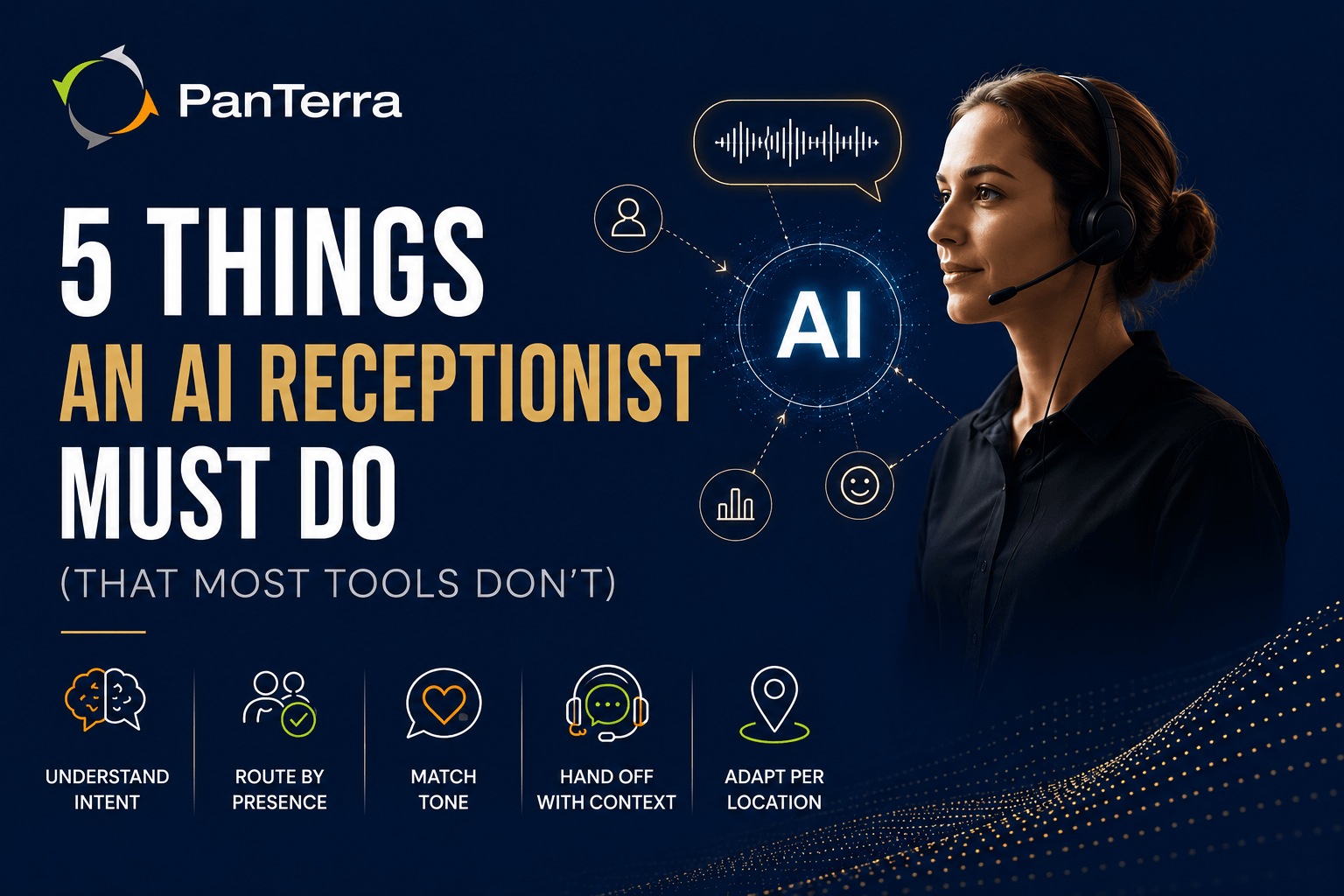
1. Understand Intent, Not Just Commands
A caller who says "I have a billing question about my last invoice" and a caller who says "I need to talk to someone about the charge on my account" are asking for the same thing. An IVR system might route the first caller correctly (if 'billing' is a trigger word) and fail the second. A real AI receptionist understands both are the same need and routes both to the same place.
This is the difference between speech recognition and natural language understanding. Speech recognition converts what someone says to text. Natural language understanding interprets what the text means. Most AI phone answering tools have the first capability. Fewer have the second. Almost none have it at the level needed to handle real inbound call variety.
2. Route Based on Real-Time Presence
A static routing rule: "sales calls go to extension 204" — fails the moment extension 204 is on another call, away from their desk, or on vacation. A real AI receptionist checks real time presence before routing. It knows who is available, adjusts dynamically, and routes to the best available person, not just the person assigned to the call type.
For multi-location businesses, real time presence routing also means the system knows which location's team is currently staffed and can distribute calls appropriately across sites, not just within one location.
3. Match Caller Tone With Emotional Intelligence
A caller who sounds frustrated needs a different response than a caller who sounds excited about a new purchase. A caller who is confused about a process needs more patience than a caller who knows exactly what they want. A caller who is upset about a service issue should not be greeted with the same upbeat energy as a first-time inquiry.
Most AI phone answering tools do not read caller tone. They play the same scripted response regardless of how the caller sounds. A real AI receptionist uses emotional intelligence: analysis of tone, pacing, and language patterns, to calibrate its response in real time. This is what makes the difference between a caller who feels heard and a caller who immediately asks to speak with a human.
4. Hand Off to a Human With Full Context
Every AI receptionist will eventually encounter a caller who needs a human. The question is what happens at that moment.
A basic virtual receptionist transfers the call. The human picks up with no information about what was just said. The caller repeats their name, their account number, and their problem from the beginning.
A real AI receptionist transfers the call with a full handoff summary: who the caller is, what they said, what they need, and what the AI already handled. The human agent picks up mid-conversation, not at the beginning of one. The caller does not experience the transition as a failure of the AI system.
This contextual handoff is the single feature that most separates quality AI receptionist deployments from frustrating ones in post-deployment reviews.
5. Adapt Per Location at Scale
A business with three locations has three different front desk environments: different staff, different hours, different call types, potentially different languages. An AI receptionist deployed across all three should behave differently at each one: greeting callers with the right location name, routing to the right team, applying the right business hours rules, and escalating to the right after hours coverage.
Most AI phone answering tools are configured once and applied uniformly. A real AI receptionist is configurable per location without requiring separate tool instances or separate contracts.
The After-Hours Problem Most Businesses Ignore
41% of patient calls to healthcare practices occur outside standard 8AM to 5PM weekday hours, according to industry data from Relatient and PatientBond 2025 surveys. The pattern holds across professional services, multi-location retail, and distributed enterprises: a significant portion of inbound calls arrive when staff is not present to answer them.
A basic AI answering service routes after hours calls to voicemail. Research consistently shows 62% of callers who reach voicemail hang up without leaving a message. They call a competitor, delay their inquiry, or simply do not call back.
A real AI receptionist answers after hours calls with the same quality it provides during business hours. It handles routine inquiries, takes messages with structured follow-up information, routes urgent calls to on-call staff, and gives callers a clear sense of when they can expect a response. The caller experience at 9 PM should not be materially worse than the caller experience at 2 PM.
How to Deploy an AI Receptionist That Actually Works
The five steps below apply regardless of which AI receptionist platform you choose. They represent the sequence where most deployments either succeed or fail.
Step 1 Map Your Inbound Call Types Before Configuring
Pull 30 days of call log data and categorize inbound calls by type: scheduling, billing, general inquiry, technical support, escalation, referral, and so on. The AI needs to be configured to handle the actual call mix, not a hypothetical one. Most poor AI receptionist deployments happen because the configuration was built on assumptions rather than data.
Step 2 Write Intent Descriptions, Not Menu Options
Instead of configuring 'press 1 for billing,' write a description of what a billing caller actually says: 'I have a question about my invoice,' 'I was charged incorrectly,' 'When is my payment due?' The AI uses these intent descriptions to recognize billing calls regardless of how the caller phrases them. This shifts the system from IVR to natural language routing.
Step 3 Configure Real-Time Presence Routing by Role, Not by Person
Route to roles, not individuals. 'Route billing calls to the next available member of the finance team' is more durable than 'route billing calls to Stephanie.' Staff changes do not break the routing. New team members are automatically included when added to the role group.
Step 4 Set Up the Human Handoff Summary
Configure exactly what information the AI collects before escalating to a human: caller name, reason for call, any relevant account information. Test the handoff scenario specifically — call in as a caller, reach the escalation point, and verify the receiving agent sees a useful summary before picking up. This step is almost always skipped in initial deployments and is almost always the source of first-week complaints.
Step 5 Run the After-Hours Scenario First
Before going live, call your own main number at 8 PM on a weeknight and go through the full caller experience from the outside. Test every route: general inquiry, urgent request, after hours message. What does the caller hear? Where does the system fail gracefully and where does it fail badly? After hours is the most common failure point and the easiest to test before it becomes a caller complaint.
How Luna AI Addresses These Requirements
"Luna AI understands why someone is calling, what they need, and how best to get them there. It's a sophisticated AI receptionist that goes far beyond automation and focuses on customer engagement that feels human, efficient, and on-brand." — Arthur Chang, CEO, PanTerra Networks
PanTerra's Luna AI is a conversational AI receptionist built natively into the Streams.AI platform. It was designed from the ground up to address the five capability gaps that separate real AI receptionists from IVR systems with better voices.
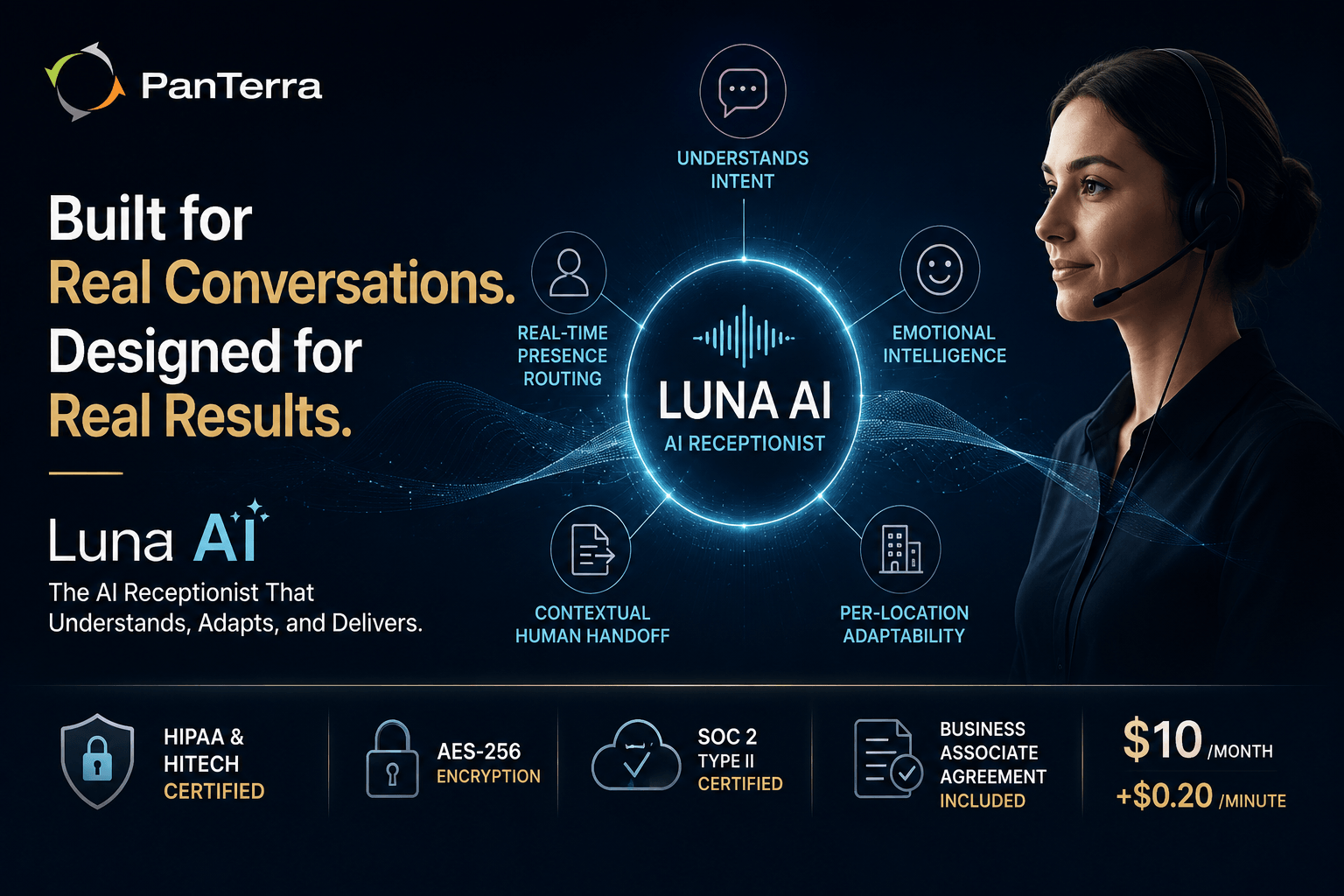
Natural language understanding. Luna AI analyzes conversation flow, tone, and intent to provide meaningful responses — routing calls based on what callers actually say, not which menu option they select.
Real time presence routing. Luna AI routes calls dynamically based on real time user presence across Streams.AI, not static extension assignments. If a team member is unavailable, Luna routes to the next available person without requiring manual routing rule updates.
Emotional intelligence. Luna AI uses natural speech synthesis and tone analysis to greet callers in a way that aligns with both the company's brand and the caller's emotional state.
Contextual human handoff. When a conversation requires a live touch, Luna AI escalates to the best available team member with full context preserved. The caller does not repeat themselves. The agent does not start from zero.
Per-location configuration. Luna AI deploys per location across multi-site businesses. Each location has its own greeting, routing rules, business hours, and escalation paths — without requiring separate instances or separate contracts.
Pricing. Available as an add-on to Streams.AI plans at $10/month plus $0.20/minute: accessible for organizations of any size without large upfront investment.
Compliance. HIPAA and HITECH certified with AES-256 encryption, SOC 2 Type II certified data centers, and Business Associate Agreements included. Regulated industries: healthcare, legal, financial services, can deploy Luna AI without creating compliance exposure.
Review Streams.AI features and current pricing for plan details. If your organization is currently losing after hours calls to voicemail or routing callers through a frustrating menu tree, see how this plays out in a healthcare deployment context: What $40K Daily in Healthcare Communication Savings Actually Looks Like.
Frequently Asked Questions
What is an AI receptionist?
An AI receptionist is a software system that answers inbound phone calls, understands caller intent in natural language, routes calls to the appropriate person or department, handles routine inquiries without human intervention, and transfers to live staff with full context when escalation is needed. A real AI receptionist differs from an IVR system by using natural language understanding rather than menu navigation: it routes based on what a caller means, not what option they pressed.
What is the difference between an AI receptionist and a virtual receptionist?
A virtual receptionist is typically a human answering service — a remote person who answers calls on behalf of your business. An AI receptionist is software that handles the same functions automatically. AI receptionists operate 24/7 at consistent quality and scale to any call volume without additional cost per seat. Many businesses use AI receptionists for routine and after hours volume, with escalation paths to live staff for situations that require human judgment.
What is the difference between an AI receptionist and an IVR system?
An IVR routes calls based on button presses or recognized keywords matched to predefined menu options. An AI receptionist uses natural language understanding to interpret caller intent in open conversation: without requiring callers to select from a menu or use specific phrases. An AI receptionist can handle unexpected phrasing, multi-part questions, and tone-adaptive responses. Most AI phone answering tools on the market in 2026 are IVR systems with voice interfaces, not true AI receptionists.
Can an AI receptionist handle after-hours calls?
Yes, and after hours handling is one of the highest-value use cases for an AI receptionist. A real AI receptionist answers after hours calls with the same quality as business-hours calls: handling routine inquiries, taking structured messages, routing urgent calls to on-call staff, and giving callers a clear response timeline. Basic IVR systems route after hours calls to voicemail, which research shows results in 62% of callers hanging up without leaving a message.
Is an AI receptionist HIPAA compliant?
It depends on the platform. An AI receptionist used by a healthcare organization or any organization handling protected health information must be deployed on a HIPAA-compliant platform with a signed Business Associate Agreement. PanTerra's Luna AI is HIPAA and HITECH certified, uses AES-256 encryption, and includes BAAs on all plans. Not all AI phone answering platforms offer this — verify compliance documentation before deploying any AI receptionist in a healthcare-adjacent environment.
How much does an AI receptionist cost?
Luna AI is available as an add-on to Streams.AI plans at $10/month plus $0.20 per minute. Standalone AI answering services typically charge $50 to $500 per month depending on call volume and features. The business case typically calculates quickly: one full-time front desk salary ($35,000 to $50,000 annually) covers several years of AI receptionist service at any pricing tier. See current Streams.AI pricing for full plan details.
Can an AI receptionist integrate with my CRM?
Most quality AI receptionist platforms offer CRM integration. Luna AI integrates with Salesforce, G Suite, and Zoho, allowing caller information to be matched against existing records and call summaries logged automatically. CRM integration changes the AI receptionist from a routing tool into a customer data capture tool — every inbound call generates a structured record that flows into the CRM without requiring staff to manually log the interaction.
How long does it take to set up an AI receptionist?
A basic deployment — single location, simple routing, standard business hours — typically configures in one to two business days. A multi-location deployment with per-location customization, CRM integration, and complex routing logic may take one to two weeks. PanTerra's onboarding team handles Luna AI configuration as part of standard Streams.AI deployment at no additional cost.
.jpg?width=500&height=500&name=Are%20you%20Getting%20a%20Good%20Deal%20(1).jpg)
Comments