Microsoft Teams Phone Limitations: When It's Not the Right Fit


Microsoft’s native calling service delivers basic functionality for organizations already invested in Microsoft 365. For straightforward office scenarios with standard requirements, it often works as intended. Understanding these boundaries helps organizations maximize their Teams investment, whether through optimization, workarounds, or complementary solutions.
However, as communication needs become more complex—larger call volumes, specialized routing, or enterprise reliability requirements—the platform reveals operational constraints that affect daily operations and long-term viability.
These limitations rarely surface during vendor demonstrations or initial licensing discussions. They emerge during production use when workarounds accumulate and support tickets multiply.
This analysis examines specific scenarios where Microsoft Teams Phone's limitations outweigh its integration benefits, helping IT leaders identify whether their requirements fall within or beyond its optimal operating zone.
That’s why many organizations extend Microsoft Teams with a purpose-built voice layer like PanTerra Streams—preserving the Teams experience while addressing telephony, contact center, and reliability requirements that fall outside Teams Phone’s design limits.
When do call center requirements exceed Microsoft Teams Phone capabilities?
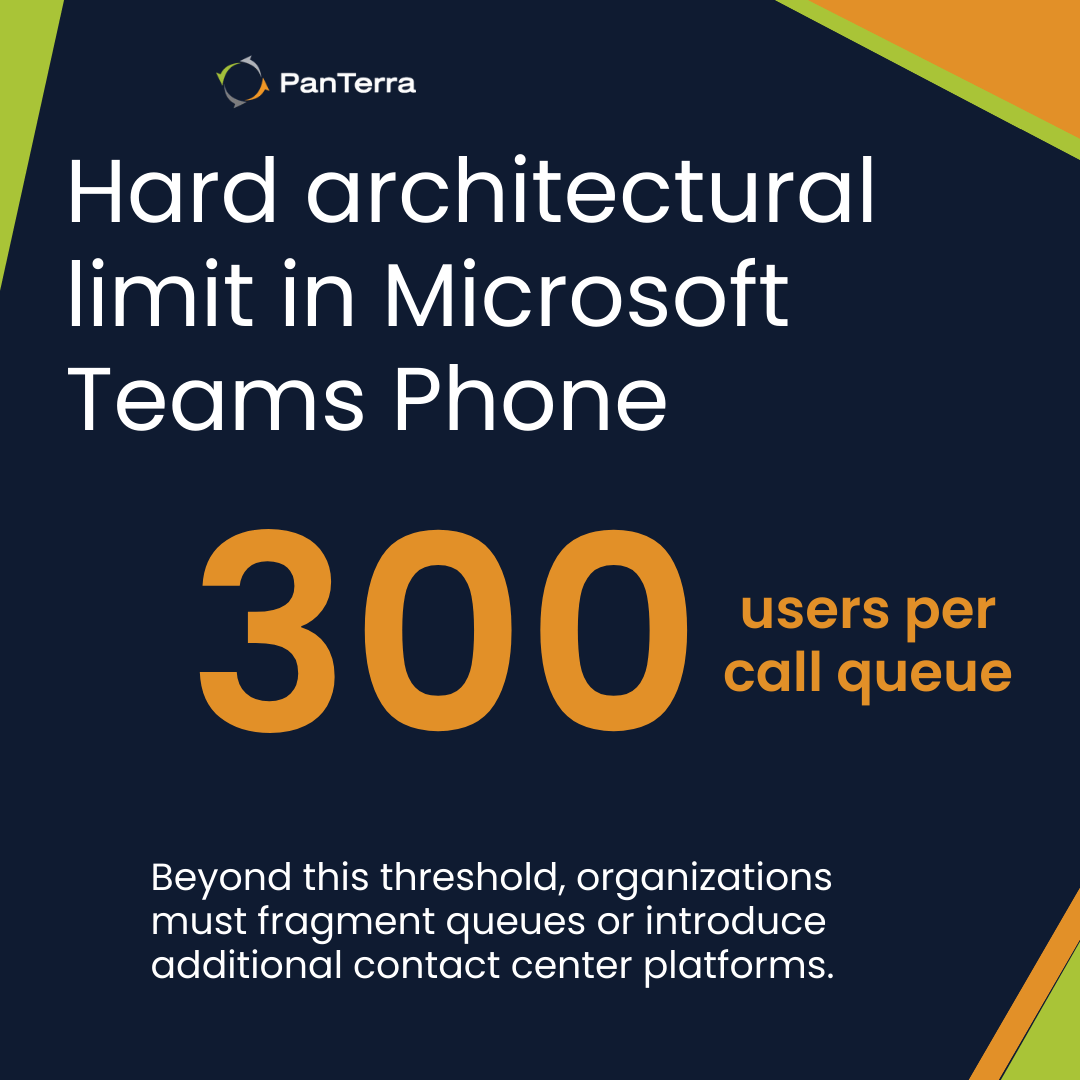
The service supports a maximum of 300 users per call queue and lacks the advanced routing capabilities that most contact centers require for efficient operations.
This constraint becomes visible once organizations attempt to scale beyond basic departmental queues. The platform offers simple round-robin and serial routing, but no skills-based distribution, priority queuing, or intelligent overflow handling. When call volumes spike or specialized routing is needed, agents receive calls they cannot handle efficiently, creating customer frustration and operational inefficiency.
Real contact centers require capabilities this calling model does not provide. There's no native wallboard for supervisors to monitor queue performance in real-time. Quality monitoring requires third-party recording solutions with additional licensing. CRM integration exists only through basic screen pops via Power Automate, not the deep CTI integration that enables automatic ticket creation, customer history display, or interaction logging.
Organizations facing these constraints often implement complementary voice solutions within Teams to extend capabilities.
The 300-user ceiling problem
The 300-user limit per queue isn't just a number—it's an architectural boundary that forces organizations to fragment their operations. Companies must create multiple queues for what should be single departments, complicating management and reporting. Each queue requires separate configuration, holiday schedules, and overflow rules.
According to Microsoft's own documentation, organizations requiring more than 300 agents must explore Dynamics 365 Customer Service or third-party contact center solutions. This fragmentation increases administrative overhead and makes unified reporting nearly impossible without additional tools.
Missing supervisor capabilities
Contact center supervisors using Teams Phone lack fundamental management tools. There's no ability to silently monitor calls for training, no whisper coaching for real-time agent assistance, and no barge-in capability for escalated situations. These features, standard in dedicated contact center platforms for decades, require expensive add-ons or aren't available at all.
Performance analytics remain basic at best. While Teams provides call quality dashboards, there's no insight into average handle time by skill, first-call resolution rates, or customer satisfaction metrics. Organizations must export raw data and build their own analytics infrastructure—effort that could be spent on actual customer service improvement.
What enterprise telephony features does Microsoft Teams Phone lack?
Microsoft's native calling service lacks support for business SMS, fax transmission, advanced IVR capabilities, and hardware integration that many enterprises consider standard telephony requirements.
These gaps force organizations into a patchwork of workarounds and third-party services. Business SMS requires separate solutions like MessageBird or Twilio, adding vendors, costs, and integration points. Fax—still mandatory in healthcare, legal, and government sectors—needs dedicated fax services that don't integrate with Teams' user interface or administrative tools.
Organizations facing these constraints often implement complementary voice solutions within Teams to extend capabilities.
The SMS and fax reality
While Microsoft markets Teams as a complete communication platform, it only handles voice and video. Organizations that need to text customers from business numbers must implement separate SMS gateways. This means different administrative portals, separate compliance tracking, and disconnected conversation histories.
Organizations managing separate SMS and fax services alongside Teams Phone typically experience 15-20% higher operational overhead due to additional vendor management, integration, maintenance, and administrative complexity. Each additional service requires its own contract negotiations, support relationships, and technical integration points that multiply management burden.
For regulated industries where these channels remain critical—healthcare still requires fax for HIPAA-compliant document transmission, financial services need SMS for transaction confirmations, legal firms depend on both for client communications—Teams Phone becomes one piece of a larger, more fragmented communications infrastructure rather than the unified solution originally envisioned.
IVR and automation constraints
Teams Phone auto-attendants offer basic menu trees—press 1 for sales, press 2 for support. Modern IVR requirements go far beyond this. There's no database lookup for account verification, no integration with backend systems for order status, no ability to collect customer information before routing calls.
Organizations requiring sophisticated call flows must either accept basic functionality or implement expensive middleware solutions. Power Automate can handle some automation, but it wasn't designed for real-time voice interactions. Response delays, limited error handling, and complex debugging make it unsuitable for mission-critical call routing.
When does Microsoft Teams Phone reach operational limits at scale?
This calling architecture encounters platform constraints, support limitations, and architectural boundaries that become more pronounced as organizations scale beyond 1,000 users or require enterprise-grade reliability.
The advertised "unlimited" calling comes with asterisks. Microsoft caps usage at 3,000 minutes per user per month for domestic calls. Organizations with high-volume callers—sales teams, support departments—can exceed these limits, triggering additional charges or service restrictions.
Service Level Agreements reveal another limitation. While Microsoft advertises 99.99% availability, this only applies to the Teams service itself, not call quality or PSTN connectivity. When calls fail due to routing issues, quality degradation, or carrier problems, these incidents often fall outside SLA coverage. Organizations discover that "available" doesn't mean "functional" for voice communications.
Organizations facing these constraints often implement complementary voice solutions within Teams to extend capabilities.
In contrast, platforms like PanTerra Streams run on independent cloud voice infrastructure while embedding directly into Microsoft Teams, allowing calling continuity even when Teams services are disrupted.
Support constraints at enterprise scale
Microsoft's support model assumes most issues resolve through documentation and community forums. When enterprise customers require immediate assistance, they rely on tiered support that may take hours or even days to respond. Phone support isn't 24/7 for most licensing tiers, and critical voice issues compete with general Microsoft 365 tickets in the same queue.
Organizations operating at enterprise scale consistently report higher support volume and longer resolution times with this approach.
As user counts grow, voice-related issues span multiple Microsoft services—Teams, identity, network configuration, and PSTN connectivity—making root-cause analysis slower and escalation paths less predictable.
For large environments, this distributed support model increases ticket volume, extends mean time to resolution, and places additional strain on internal IT teams during voice-related incidents.
Multi-location complexity
Enterprises with distributed locations face compounding complexity in Teams Phone. Each location may require different emergency calling configuration, local number management, and regional compliance settings. Microsoft's location-based routing helps but requires extensive PowerShell configuration and ongoing maintenance.
Call routing between locations lacks the sophistication of traditional PBX systems. There's no native least-cost routing, limited time-zone handling, and basic overflow capabilities. Organizations must script custom solutions or accept inefficient call distribution, both of which increase operational overhead documented in the Total Cost of Ownership analysis.
Why do complex integrations and dependencies increase Teams Phone risk?
Organizations with existing phone systems, specialized hardware, or complex compliance requirements face significant integration challenges that can make Teams Phone deployment more costly than anticipated.
Direct Routing, Microsoft's option for using existing SIP trunks, introduces an additional infrastructure layer that organizations must fully own and operate. Session Border Controllers (SBCs) typically cost between $2,000–15,000, but the greater impact comes from ongoing responsibility for firmware updates, certificate management, interoperability troubleshooting, and failure response.
What initially appears to be a cost-optimization strategy often becomes an operational liability when voice availability depends on components outside Microsoft’s managed control plane.
Organizations facing these constraints often implement complementary voice solutions within Teams to extend capabilities.
Legacy system migration challenges
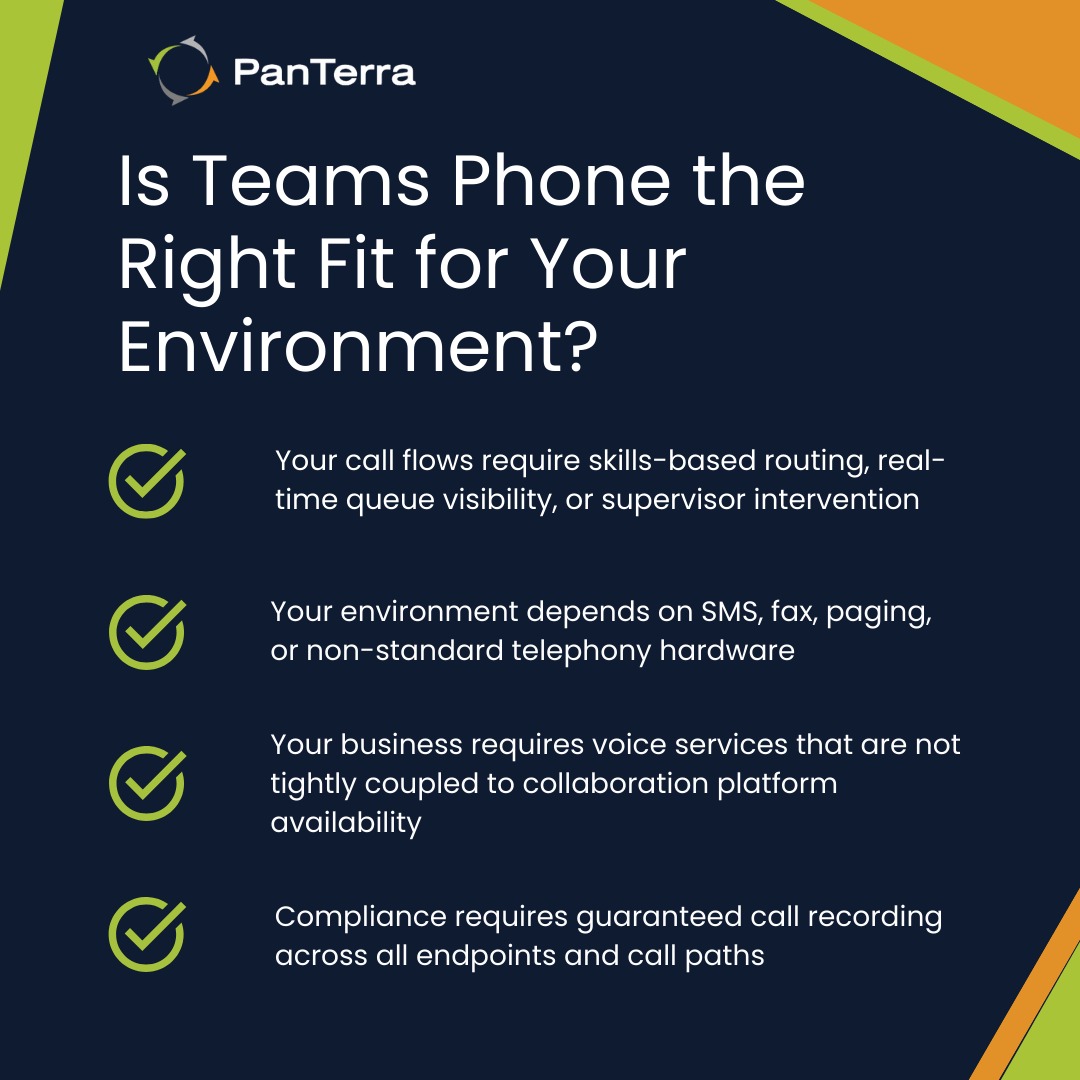
Migrating from traditional PBX systems to this platform often exposes architectural gaps that cannot be resolved through configuration alone. Legacy environments typically include custom routing logic, paging systems, emergency devices, and building integrations that Teams Phone does not natively support.
As a result, organizations must make explicit trade-offs: accept reduced functionality, operate parallel voice systems long-term, or introduce middleware layers that increase dependency and operational risk.
In practice, many enterprises continue operating legacy phone systems alongside Teams Phone for extended periods after migration. Feature gaps, custom routing logic, hardware dependencies, and compliance requirements often prevent full decommissioning of existing PBX infrastructure. As a result, organizations run parallel systems longer than planned, increasing operational complexity, support effort, and total cost of ownership.
Compliance and recording complexity
Regulated industries requiring call recording face another layer of complexity. Teams Phone's native recording captures Teams client calls but may miss calls routed through other endpoints. PSTN calls through Direct Routing might bypass recording depending on SBC configuration. Mobile calls through Teams apps may not record if users switch to cellular mid-call.
This fragmentation creates compliance blind spots that are difficult to detect and harder to audit. In regulated environments such as financial services or healthcare, uncertainty around call capture and retention is not an acceptable operational risk.
When compliance requirements demand guaranteed, end-to-end recording across all call paths, Teams Phone typically requires additional tooling and controls that move it beyond its intended operating model.
Recognizing the boundary between fit and friction
Microsoft Teams Phone works well within its designed parameters: standard office calling for organizations already committed to Microsoft 365, with basic requirements and tolerance for platform limitations.
Outside these parameters, the accumulation of workarounds, third-party additions, and administrative overhead can eclipse any integration benefits. When organizations need contact center capabilities, advanced telephony features, enterprise-scale reliability, or complex integrations, the total operational cost often exceeds purpose-built alternatives.
For organizations committed to Microsoft Teams but operating beyond Teams Phone’s limits, extending Teams with PanTerra Streams offers a way to maintain user experience while regaining control over routing, compliance, analytics, and continuity.
The question isn't whether Teams Phone is "good" or "bad"—it's whether an organization's requirements align with its architectural limits.
When Teams Phone is deployed beyond its optimal operating zone, workarounds and third-party dependencies tend to accumulate, increasing operational risk and long-term complexity. Many organizations successfully address these limitations by implementing voice solutions that enhance Teams' native capabilities while preserving the user experience.
In those cases, the decision shifts away from features or licensing and toward architecture, continuity, and ownership of the voice layer itself.
Frequently Asked Questions
What is the maximum size call queue Microsoft Teams Phone supports?
Microsoft Teams Phone supports a maximum of 300 users per call queue, requiring organizations with larger contact centers to create multiple queues or explore alternative solutions.
Can Microsoft Teams Phone send SMS messages to customers?
Teams Phone does not include native SMS capabilities for external numbers. Organizations must integrate third-party SMS services, adding cost and complexity to their communications infrastructure.
What happens to Teams Phone calls when Microsoft Teams has an outage?
During Teams service disruptions, organizations lose calling capabilities entirely unless they've implemented alternative solutions with independent infrastructure and failover capabilities.
Does Microsoft Teams Phone work with existing PBX equipment?
Integration with legacy PBX systems requires Direct Routing configuration with Session Border Controllers, adding significant technical complexity and ongoing maintenance requirements that many organizations underestimate.
How can organizations address Microsoft Teams Phone limitations?
Organizations typically address Teams Phone limitations by optimizing existing features, using automation and PowerShell for configuration at scale, or implementing complementary voice solutions that extend native capabilities while preserving the Microsoft Teams user experience.
.jpg?width=500&height=500&name=Are%20you%20Getting%20a%20Good%20Deal%20(1).jpg)
Comments