Legacy PBX Migration: Why 'Lift and Shift' Fails — And Why a Confident Cutover Succeeds


Your IT director just presented the plan: move your 10-year-old PBX system to the cloud over a single weekend. You've heard the horror stories. Dropped calls. Missing features. Employees threatening to quit. So now the instinct is to slow everything down, migrate one department at a time, and stretch the project across 12 months just to be safe.
Here's the counterintuitive truth: a well-executed, organization-wide cutover on a single date is the right approach. The failures you've heard about didn't happen because organizations cut over all at once. They happened because those organizations weren't prepared.
Preparation is everything. And preparation is exactly what PanTerra's onboarding team brings to every migration from Avaya, Mitel, ShoreTel, and other legacy platforms.
Legacy PBX migration fails when organizations skip proper preparation and treat the cloud as a simple copy of their old system. The solution isn't a slower migration — it's a smarter one. PanTerra's onboarding team executes confident full cutovers through thorough upfront discovery, training, and a proven migration process.
Key Takeaways
- Migration failures come from poor preparation — not from cutting over all locations at once
- Architecture differences between legacy PBX and cloud are real, but fully solvable with proper discovery upfront
- Hidden dependencies — analog devices, custom integrations, undocumented routing — surface at cutover unless you find them first
- PanTerra eliminates SIP trunk infrastructure entirely, removing a major source of legacy complexity
- User adoption succeeds when employees are trained before go-live, not troubleshot after
Who This Is For
Best for: IT leaders migrating from Avaya, Mitel, ShoreTel, Cisco, or other legacy on-premises PBX systems. Multi-location organizations ready to modernize on a defined cutover date. Organizations that want a managed migration with an experienced onboarding team — not a DIY project.
Not ideal for: Greenfield cloud deployments with no existing PBX. Organizations already on a modern cloud platform looking to switch providers.
Top use cases:
- Replacing 10-15+ year old Avaya, Mitel, or ShoreTel systems with a single managed cutover
- Eliminating SIP trunk infrastructure and multi-carrier complexity in one migration
- Migrating multi-location organizations to a unified cloud platform on a defined date
- Resolving hidden analog device and integration dependencies before they become cutover emergencies
- Achieving user adoption through role-specific pre-cutover training across all user groups
Why Do Legacy PBX Migrations Really Fail?
The risk is almost always traceable to the same root cause: inadequate preparation, not the act of migrating.
Organizations that fail treat migration like a technical swap. They assume the cloud platform will replicate their legacy PBX exactly, skip the discovery work, underinvest in training, and then wonder why Monday morning looks like a disaster. The cloud didn't fail them. Their process did.
Is the Architecture Mismatch the Real Problem?
Legacy PBX systems were designed for physical hardware, proprietary firmware, and technician-configured button mappings. Cloud platforms operate on software-defined architectures delivered through APIs and web interfaces — not server room consoles.
Some legacy configurations don't translate directly. A 40-button attendant console becomes a softphone with programmable shortcuts. A deeply nested IVR gets rebuilt in a modern drag-and-drop interface. These aren't limitations — they're improvements. But they require translation, not assumption.
The organizations that succeed discover these differences weeks before cutover — during a structured discovery process — with solutions in place before a single user is affected. Understanding PBX migration best practices means investing in that discovery upfront.
PanTerra's migration specialists have worked through the configuration differences between Avaya, Mitel, ShoreTel, Cisco, and Streams.AI hundreds of times. They know where the gaps are before your discovery call is over.
What Hidden Dependencies Cause Cutover Failures?
The dependencies nobody documents are the ones that cause failures. Your legacy PBX has analog ports — do you know what's connected to all of them?
One organization discovered during cutover that their elevator emergency phone — required by building code — was running through an analog PBX port. Their weekend migration became a two-week project with legal exposure.
Then there are integrations nobody remembers commissioning: CRM screen pops, building management alerts, nurse call systems on non-standard SIP headers. Finding them after go-live is expensive. Finding them during discovery is just Tuesday. Applying system modernization best practices means surfacing every dependency before it becomes a cutover emergency.
PanTerra also eliminates an entire category of dependency: SIP trunks. Streams.AI replaces legacy SIP trunk infrastructure entirely — no trunk porting, no carrier coordination, no configuration that breaks three months later.
What Does a 'Done Right' Cutover Actually Look Like?
A successful full cutover isn't about being bold. It's about front-loading every risk so that cutover day is boring.
Discovery is complete: Every analog device is mapped. Every integration is documented. Every custom routing rule is rebuilt in Streams.AI before the cutover date.
Configuration is validated: The new system is tested against real business scenarios — peak call periods, after-hours routing, holiday schedules, emergency procedures — before any user touches it.
Users are trained before go-live: Not on cutover day. Not the week of. Training is role-specific — receptionists, sales reps, and executives all have different workflows and get different preparation.
IT and help desk are ready: Support staff know what to expect in the first 48 hours. Escalation paths are defined. Ticket volume spikes are planned for, not surprised by.
A rollback plan exists: Even with thorough preparation, having a documented rollback procedure for the first 24 hours is basic risk management. It almost never gets used. It's still non-negotiable.
PanTerra's onboarding specialists have run this exact process for hundreds of migrations. They bring a proven cutover playbook refined across years of real work — not a generic vendor checklist. They know what Avaya customers get surprised by. They've already solved the problem your IT team is about to discover.
Why Does User Adoption Fail After Migration?
User adoption failures are almost always training failures.
When employees learn the new system after go-live, they're troubleshooting on live customer calls. When they learn it before go-live, cutover day feels like a normal Monday.
Does Muscle Memory Really Affect Adoption?
When you've executed the same call transfer sequence 50 times a day for a decade, your fingers move without conscious thought. Moving to any new interface requires building new muscle memory — and that process takes time and repetition.
Organizations that train employees in advance — with role-specific workflows, hands-on practice, and time to ask questions — see adoption rates that make cutover day a non-event. Organizations that schedule training for the week after go-live create a help desk crisis.
How Does PanTerra Handle Desk Phone-Dependent Employees?
Not every employee will adapt to a softphone immediately. PanTerra's onboarding team identifies which user groups depend on physical devices during the discovery phase — and ensures those needs are resolved before cutover.
The goal isn't to force a universal interface. It's to ensure every user arrives at go-live with the tools and training that match their workflow. Enterprise migration research consistently shows that preparation and role-specific training — not the choice of device — determine adoption outcomes. Modern cloud phone systems support this transition — but only preparation turns that design into actual adoption.
PanTerra Streams.AI delivers a full-featured softphone client, mobile app, and browser-based interface engineered to be intuitive for employees coming off a physical desk phone. PanTerra's onboarding team delivers role-specific training as part of every migration — not as an add-on, but as a core part of the process.
What Does the PanTerra Migration Process Actually Look Like?
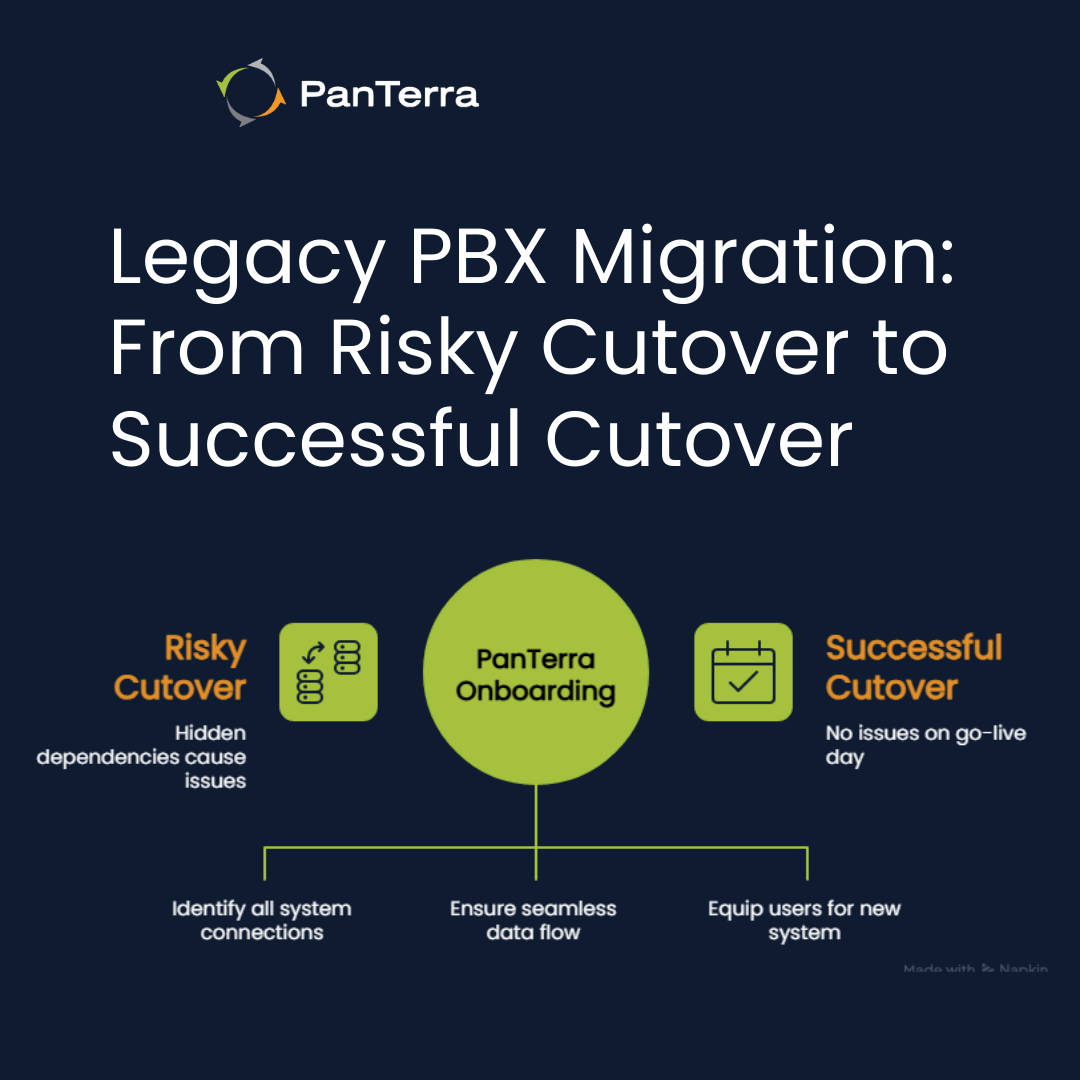
PanTerra's migration process is built around one principle: no surprises at cutover.
Step 1: Discovery and System Audit
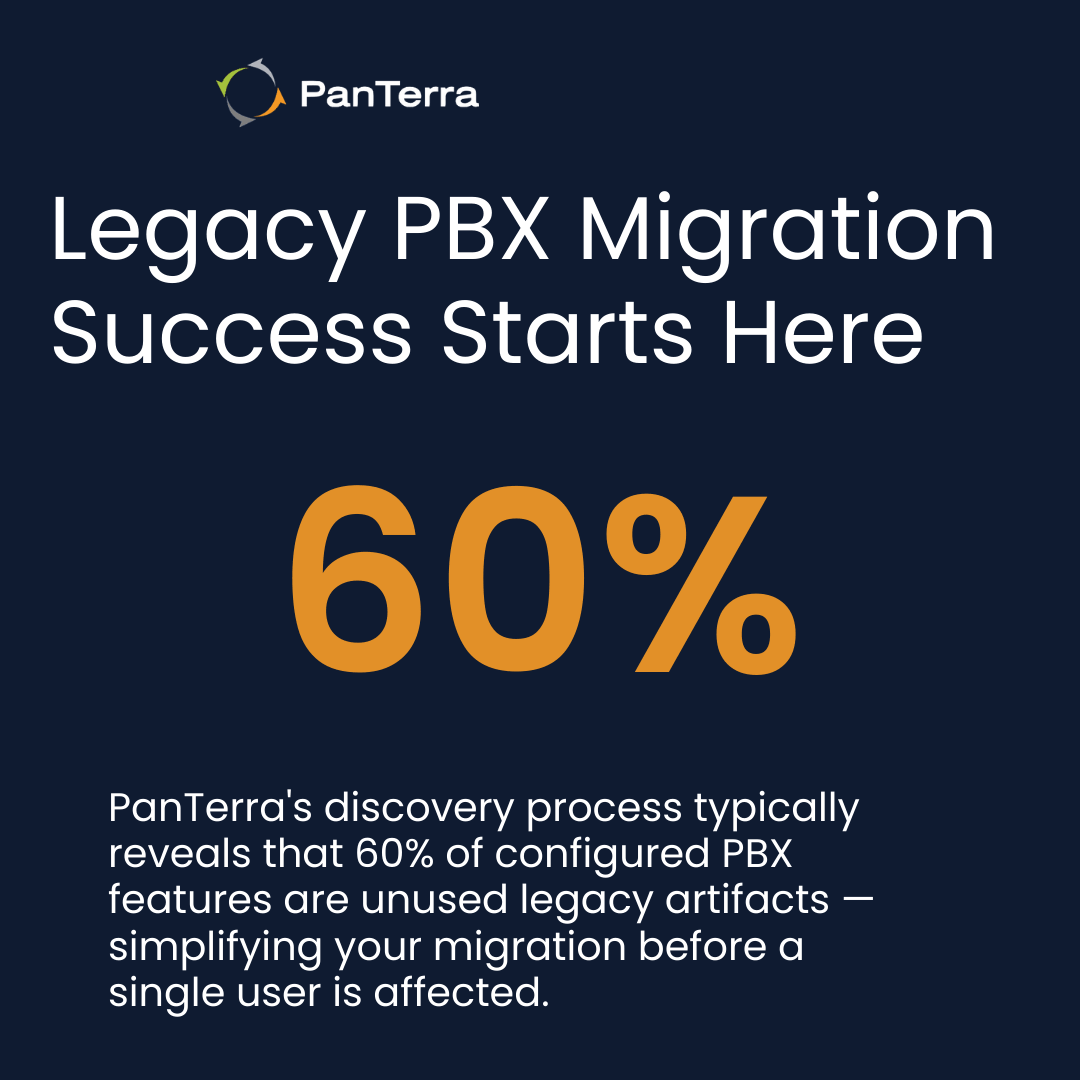
PanTerra's onboarding team conducts a structured audit of your existing environment: every feature in use, every analog device, every integration, every custom routing rule. Usage analysis typically reveals that 40–60% of configured PBX features are unused legacy artifacts — simplifying the migration significantly. Building a thorough migration failure prevention process starts here — with complete visibility before a single user is affected.
Step 2: Configuration and Rebuild in Streams.AI
Every validated requirement from discovery gets built into your Streams.AI environment before users are involved. Hunt groups, IVR menus, auto-attendants, call recording rules, and integrations are configured, tested, and signed off. PanTerra's team manages this directly — your IT team reviews and approves.
Step 3: Pre-Cutover Training
Training is delivered before the cutover date, not after. PanTerra's onboarding team provides role-specific training for every user group, documentation tailored to your specific configuration, and a resource library your employees can reference post-go-live.
Step 4: Cutover Day
With discovery complete, configuration validated, and users trained, cutover day is execution — not discovery. All locations transition simultaneously. PanTerra's team is available for real-time support. The old system is retired. The new system is live. Done.
Step 5: Post-Go-Live Stabilization
The first 30–90 days are active stabilization. PanTerra monitors call quality metrics, tracks feature utilization, and responds to configuration refinement requests. The cloud phone system migration process doesn't end at go-live — PanTerra's team stays engaged until the system performs at full capacity.
Migration Readiness Checklist
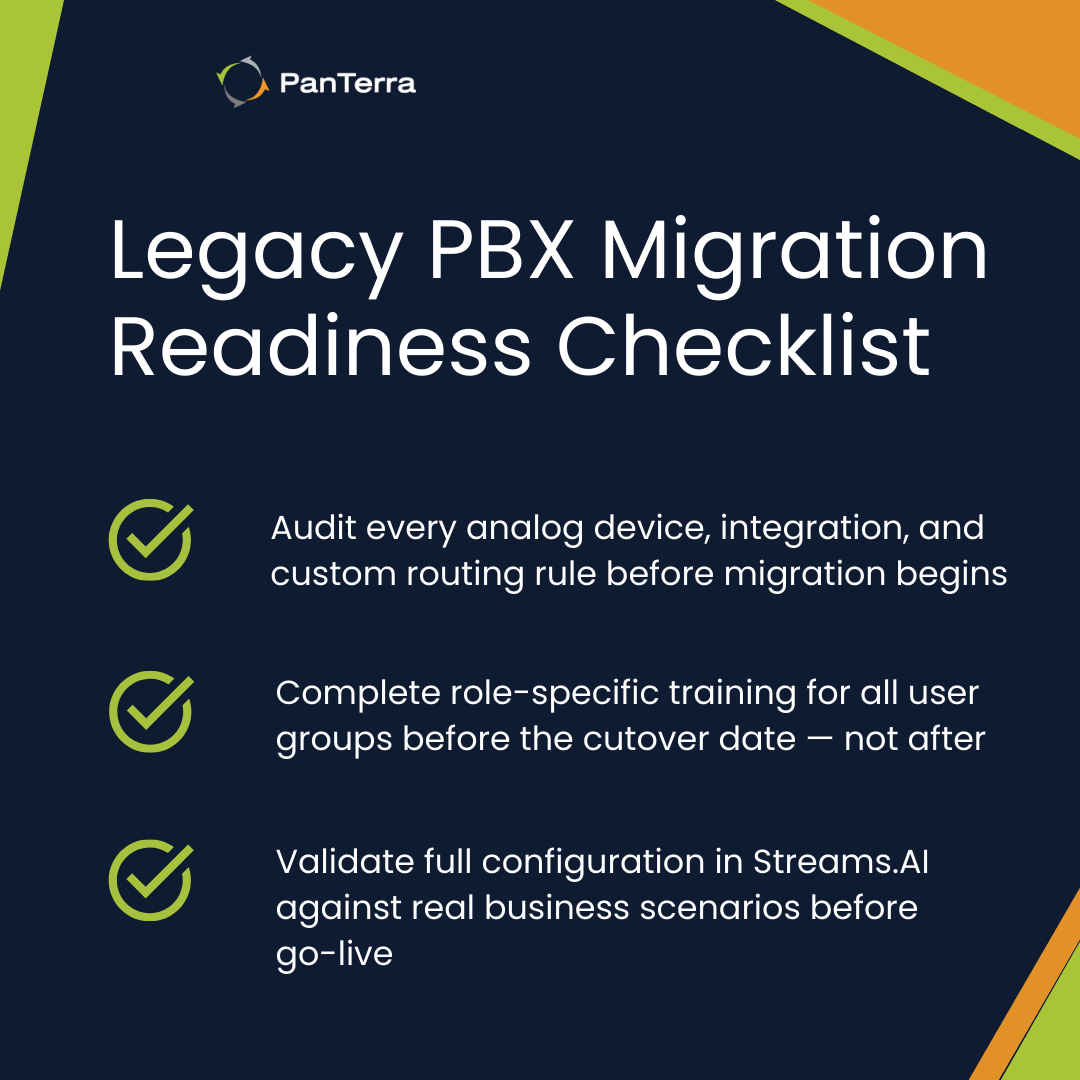
- ☐ Engage PanTerra's onboarding team to begin the discovery audit
- ☐ Document all features in current use (expect 40–60% to be unused legacy config)
- ☐ Map every analog device: fax machines, door entry systems, elevator phones, overhead paging
- ☐ Identify every integration: CRM, ERP, building management, nurse call, custom applications
- ☐ Define the cutover date and communicate it organization-wide
- ☐ Complete all user training before the cutover date — not after
- ☐ Brief IT and help desk on expected first-week support scenarios
- ☐ Validate full configuration in Streams.AI against real business scenarios before go-live
- ☐ Document a 24-hour rollback procedure (even if you never use it)
- ☐ Schedule a 30-day post-cutover review with PanTerra's team
.jpg?width=500&height=500&name=Are%20you%20Getting%20a%20Good%20Deal%20(1).jpg)
Comments