When 'Seamless' Integration Makes Your Best Agents Quit


A VP of Customer Success told me something brutal: their “unified” platform drove their top agents to quit—the people who carried customer relationships.
"The system made their jobs ten times worse," he admitted. Even platforms that promise 'everything in one place' often deliver everything... in different places.
The true cost of failed customer engagement software goes beyond subscription fees. You lose your best talent and the customers they take with them.
TL;DR – What You’ll Learn
- “Seamless” CRM integration often fails because workflows, data, and ownership aren’t aligned first.
- Fake integration shows up as shallow screen pops, dropped context, and manual workarounds.
- Post-M&A stacks break integration unless you consolidate around the CRM, not the phone system.
- Phased migrations reduce risk and improve adoption faster than “big bang” rollouts.
- Agent-first features (reliable click-to-dial, full-context screen pops) drive retention more than flashy AI add-ons.
Why does customer engagement software create frustration instead of clarity?
Because shallow CRM integration breaks context, forcing agents and customers to do extra work.
The promise sounds great: unified views, clean handoffs, smarter routing.
But talk to contact center teams and you hear the opposite—broken integrations, frustrated agents, and customers stuck repeating themselves.
How does M&A make CRM integration harder?
It stacks tools and data models that don’t talk to each other, so consolidation exposes gaps fast.
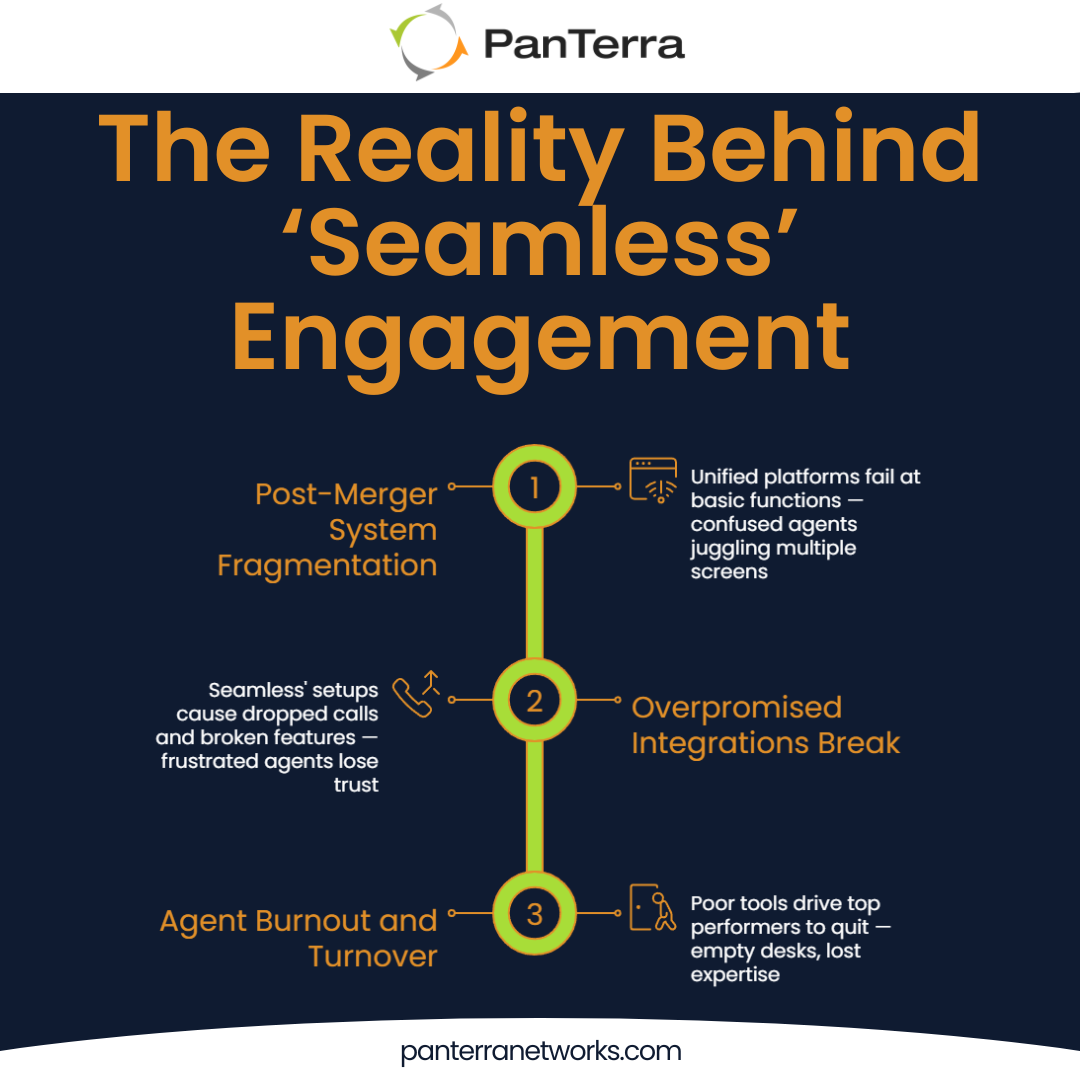
One discussion that particularly struck me involved a 200-person company struggling with what they called their "patched together in-house solution." Through various mergers, they'd accumulated PureConnect, Skype for Business, and three different telecom providers.
Their attempt at consolidation revealed a harsh truth: their chosen platform couldn't handle basic contact center requirements. It lacked screen sharing and proper CRM integration. As one IT director put it, "We tried to simplify, but the 'unified' platform couldn't do what our fragmented systems could."
Customers had to re-explain issues when transferred, and consolidation became an operational nightmare across every interaction.
Why don't marketing promises match reality?
Because vendors integrate features on paper, but real agent workflows still break in production.
One company's experience with its CRM-integrated voice solution was devastating. Despite promises of "seamless integration," calls dropped randomly, and caller ID failed. The screen pop feature only showed customer emails—no purchase history, no tickets, no context.
"We've discovered that specs VERY OFTEN over-promise," one user wrote, emphasizing their exhaustion. They'd spent hours setting up integrations that simply didn't deliver. Another added, "One can spend hours integrating one of their apps, only to discover it doesn't actually do what they claim."
Vendor trust erodes when core features fail. Teams stop believing promises and demand proof in live workflows.
That credibility gap costs businesses more than money.
Why do broken integrations make top agents quit?
Tools that hide context turn experts into script-readers, so they leave. One contact center manager described losing experienced agents within months.
“Good agents quit when they feel like robots," the manager explained. Rigid metrics, inflexible workflows, and systems that buried information instead of surfacing it. The new platform turned problem-solving professionals into script-readers.
The pattern repeats across teams. Companies buy engagement software to improve service, then lose the people who deliver it.
When your best agents leave, they take relationships and knowledge you can’t replace quickly.
What does “fake CRM integration” look like in practice?
It looks integrated on paper, but agents still switch screens, re-ask questions, and lose time.
Across dozens of discussions, one pattern emerged: companies discovered too late that their "integrated" solutions were really separate systems.
What should a screen pop show to be real integration?
Full customer history, open tickets, purchases, and notes—before the agent says hello.
The screen pop failure came up repeatedly as a perfect example of fake integration. Companies specifically chose solutions advertising CRM integration, expecting agents to see complete customer context on incoming calls. Instead, they got minimal information, often just an email address or name.
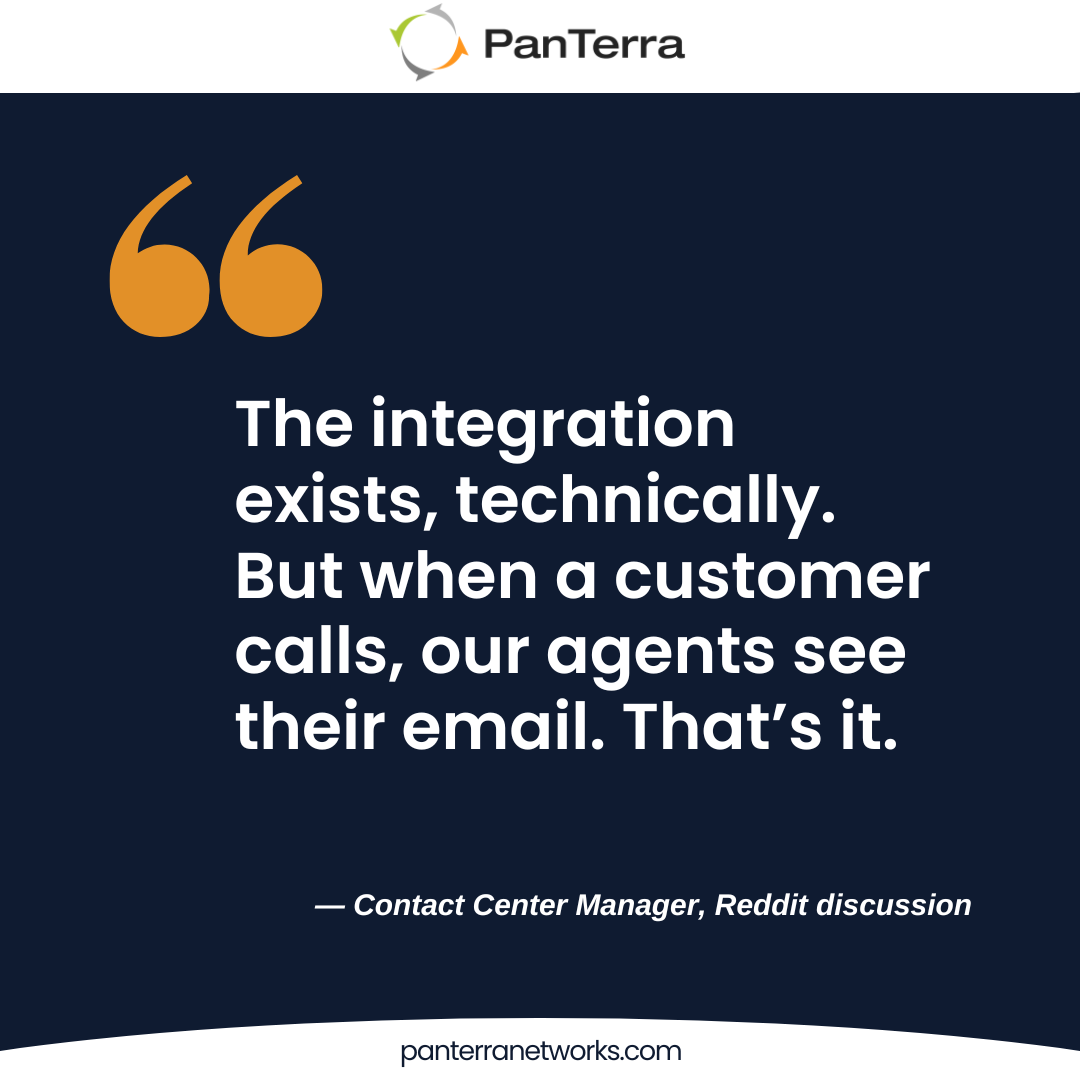
One frustrated manager detailed their experience: "The integration exists, technically. But when a customer calls, our agents see their email. That's it. No previous tickets. No purchase history. No notes from last week's chat session. They might as well be answering blind."
That’s not a screen pop—it’s a name tag.
Why do legacy systems block CRM integration upgrades?
Because teams fear losing critical workflows that newer tools can't replicate yet.
Migration complexity emerged as another major theme. Teams felt overwhelmed by years of customizations, integrations, and workarounds.
"We want to be future-proof," one IT director wrote, "but every newer solution we evaluate seems to sacrifice something critical our legacy system handles perfectly." The fear of losing essential functionality kept them stuck with increasingly outdated technology.
This is where thoughtful migration strategies matter. At PanTerra, we've learned that successful transitions require respecting what works in legacy systems while providing clear paths forward. Rip-and-replace rarely works; phased migrations that preserve critical functionality do.
Why are long contracts risky for CRM integration projects?
Because you discover integration limits after signing, and roadmap promises don’t help day-one ops.
Contract concerns added another layer to the integration nightmare. Multiple threads mentioned being locked into multi-year agreements with platforms that failed to deliver promised functionality. One company discovered their CRM integration limitations only after signing a 24-month contract.
"We're essentially paying for potential features," one user explained. "The vendor says better integration is coming 'next quarter' or 'in the next release,' but meanwhile we're stuck with what doesn't work."
Hidden services, data-cleanup, and parallel-run costs hit after signing, not before.
How do successful teams avoid CRM integration failure?
They start with CRM workflows, migrate in phases, and prioritize agent-usable features.
What should you anchor on first in an integration project?
The most successful migrations began with a fundamental shift in perspective. They didn’t pick a phone system and hope it would fit the CRM.
They started with CRM workflows, then chose the platform that supported them.
One implementation team shared their approach: "We listed every CRM workflow our agents use daily. We tested each phone system against those specific workflows using real data.”
This CRM-first approach revealed critical differences between vendors. Some could display customer data but couldn't update it. Others could log calls but couldn't trigger CRM workflows. The teams that started with CRM integration requirements avoided costly surprises later.
Why do phased migrations outperform “big bang” rollouts?
Successful companies also rejected the "big bang" approach. One 200-person organization shared how they migrated department by department over six months. Sales moved first, learning the system and identifying issues. Support followed, benefiting from sales' experience. Back-office teams transitioned last.
"Different departments have different needs and different resistance to change," their project manager explained. "Forcing everyone to switch simultaneously would have been chaos. Going gradually let us learn, adjust, and build internal champions."
This phased approach also provided escape routes. If the new system failed to deliver, they could stop the migration without disrupting the entire organization. It reduced risk while maintaining momentum.
Which features matter most to agents day-to-day?
Click-to-dial that works every time matters more than AI-powered call analytics that works sometimes. Screen pop showing complete customer history beats sophisticated routing rules. A unified view eliminating window-switching trumps feature lists that require multiple logins.
Our philosophy centers on agent-first design. When agents trust their tools, they focus on customers instead of workarounds.
How do you build customer engagement that actually engages?
Start with agent workflows and test vendors using your real CRM data, not their demos.
That’s where true integration—or hidden friction—shows up.
When evaluating solutions, ask for live demonstrations with your actual CRM data. Actual workflows expose what glossy product sheets never reveal: where friction hides, and how integration really performs under pressure.
The most successful customer engagement strategies I've seen come from teams who treat technology as a partner, not a promise. When agents trust their tools, they focus on what matters—listening, solving, and connecting.
Satisfaction improves. Retention increases. Growth follows naturally.
At PanTerra, we've learned that great integration should be invisible. The kind that fades into the background so your people can do their best work. Because when communication flows effortlessly, engagement becomes something you experience, not something you chase.
Frequently Asked Questions
Why does CRM integration fail most often?
Because platforms connect data fields, not real agent workflows, so context still breaks.
What’s the first thing to validate before buying engagement software?
Your top 5–10 CRM workflows, tested end-to-end with real data.
How do you know if integration is “real”?
Agents see full history on first ring, can update CRM in-flow, and don’t need extra tabs.
Should we migrate everything at once?
No. Phased rollouts surface issues early and build internal champions.
What features matter most to agents day-to-day?
Reliable click-to-dial, accurate screen pops, auto-logging, and fewer manual steps.
.jpg?width=500&height=500&name=Are%20you%20Getting%20a%20Good%20Deal%20(1).jpg)
Comments