AI Isn't Magic: The Real Challenges Behind Productivity Promises


AI productivity tools deliver ROI only when they’re tied to a clear workflow, integrated into existing systems, and supported with real adoption plans.
Without that alignment, even strong tools create friction, stall usage, and miss their productivity promise.
We’ve all seen the demos: lightning-fast scheduling, seamless voice commands, and dashboards that practically think for you.
But when the buzz fades and the tool lands in your team's hands, reality often feels less like a revolution and more like a rough draft.
Last year, I spoke with a bakery owner who’d poured $125,000 into an AI platform. What she got was confusion, chaos, and a team that reverted to sticky notes and group texts. The pattern is not a rare sight: big investment, low return.
In this guide, we’ll look past the pitch decks to show what actually makes AI productivity tools work. We’ll cover the features that matter, the rollout traps that kill adoption, and the human factors that decide ROI. No matter your workflow, the goal is the same: fit the tool to real processes, not hype.
Why don’t AI productivity tools deliver until you ask the right questions?
Because outcomes depend on fit, rollout, and measurement—not on demo features.
What can AI productivity tools do well, and what can’t they do yet?
They automate high-volume tasks, but they don’t replace contextual business judgment.
AI productivity tools shine at automating high-volume tasks like scheduling, note-taking, and summarizing threads. They still can't read emotional nuance or make contextual business decisions. The best AI tools support workflows. They don't replace strategic thinking.
Too many teams misinterpret features as outcomes. Just because a platform includes machine learning or predictive automation doesn't mean it's solving the problem you have. Functionality doesn't equal fit.
Where do most AI tool rollouts go wrong?
When tools are bolted onto broken processes without buy-in or clear use cases.
Many AI tools fail because they're bolted onto outdated processes or dropped on teams without buy-in. Instead of simplifying workflows, they generate duplicate work, shadow processes, and mounting frustration.
Organizations often skip the foundational work: mapping existing workflows, auditing data quality, and aligning tool capabilities with clear use cases. Success is about implementing and integrating AI intentionally.
What should you ask before buying an AI productivity tool?
Ask how it removes friction, integrates with your stack, and will be measured post-launch.
The smartest teams lead with questions, not demos:
- Will this tool reduce friction in your most repeated tasks?
- Does it integrate with your CRM, communication platforms, or document systems?
- How intuitive is the user experience for non-technical teams?
- What ongoing resources are needed post-deployment?
Don’t just assess features. Scrutinize the handoff between human and machine. Also, ask how success is measured. Will you track productivity in minutes saved, errors reduced, or something more meaningful like customer satisfaction?

What security and scalability should AI productivity tools provide?
They should protect sensitive data, integrate cleanly, and scale without surprise costs.
What data privacy questions do most vendors skip?
How data is encrypted, stored, owned, and handled across regions.
AI tools handle sensitive internal communications, financial records, customer transcripts, and strategic documents. Yet most teams don’t know how their AI tool manages encryption, storage, or data ownership. Worse, many tools transfer data across multiple regions, creating compliance minefields.
Secure AI systems must include:
- Layered encryption and zero-trust architecture
- Granular access controls and regional compliance alignment
- Transparent data ownership policies
Without these protections, even the best AI tool becomes a liability. Privacy-first frameworks are strategic necessities.
According to Deloitte's 2024 Workflow Automation Outlook, organizations should focus on nurturing human collaboration with AI, upgrading their digital infrastructure, and ensuring robust data security to build trust and enhance efficiency.
Why is integration strategic, not just technical?
Because extra steps or dashboards kill adoption even when APIs work.
Integration is about minimizing friction.
A good test: can the AI tool live where work already happens? For teams operating in Microsoft Teams, solutions like PanTerra Streams.AI for Microsoft Teams embed calling and AI-assisted workflows directly inside Teams, so adoption is easier because users don’t have to switch platforms.
If using your new AI scheduling assistant requires six extra clicks or a different dashboard, your team won’t use it.
How do you avoid surprise costs when scaling AI tools?
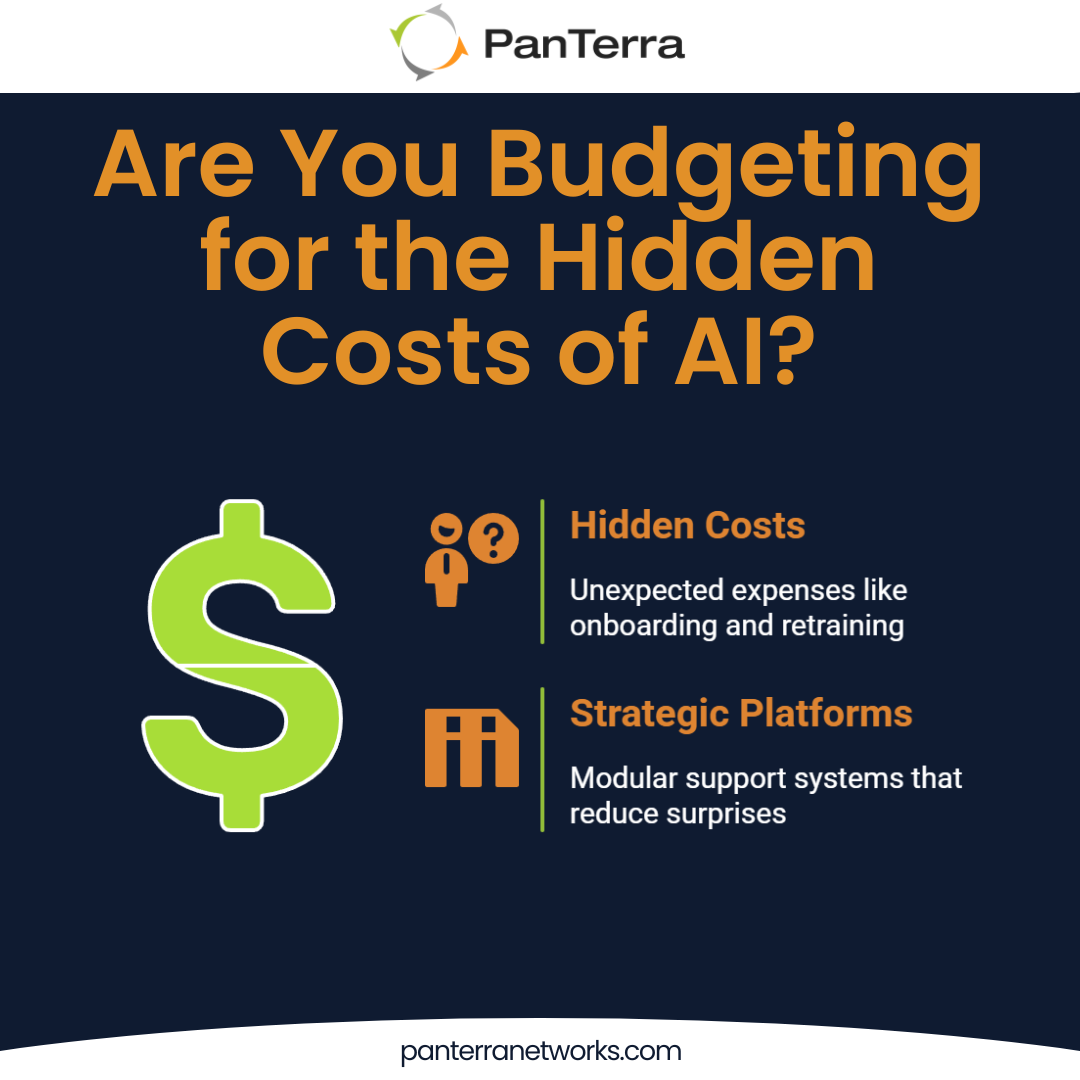
Budget for training, configuration, tuning, and compliance from day one.
Vendors rarely highlight:
- Onboarding and training costs
- Custom development and system configuration
- Performance tuning, compliance updates, and retraining models
When a small business expects a $30k rollout and ends up paying $80k to retrofit the AI tool to legacy systems, the issue isn’t technology. It’s preparation.
Consider the experience of the Norwich Housing Authority, a community government entity that struggled with communication across services and programs. After evaluating phone system options, they chose PanTerra Streams for its simple setup and ease of use.
The cloud-based platform enabled more efficient communication with both employees and the community.
That’s why businesses lean into platforms that offer modular pricing, lifecycle support, and seamless integration. Real value comes from continuity, predictability, and alignment with evolving needs.
What human factors decide whether AI tools succeed?
Trust, usability, and a rollout that involves the team early.
Why won’t teams use a new AI tool?
If it feels harder than their current workflow, they won’t trust or adopt it.
Even the most powerful AI system fails if your team doesn’t trust it. And trust begins with usability. If your interface is overwhelming, employees default to what they know: spreadsheets, shared drives, or manual notes.
Adoption is cultural. When employees feel excluded from tool selection, they disengage.
Why doesn’t training end after the demo?
Because real friction shows up in month two, after the novelty fades.
Buying an AI tool is easy. Operationalizing it is not. One of the most overlooked phases of deployment is the second month, when the initial excitement fades and real-world friction starts to emerge.
Provide ongoing support and feedback loops so the tool improves with the team, and keep adoption moving by celebrating early wins.
A 2024 AP News article notes that AI advancements have reached a plateau, leading to more balanced public discourse about its capabilities and limitations. The focus has shifted towards integrating AI into everyday tools, resulting in incremental productivity improvements across various sectors.
What’s a better way to roll out AI tools?
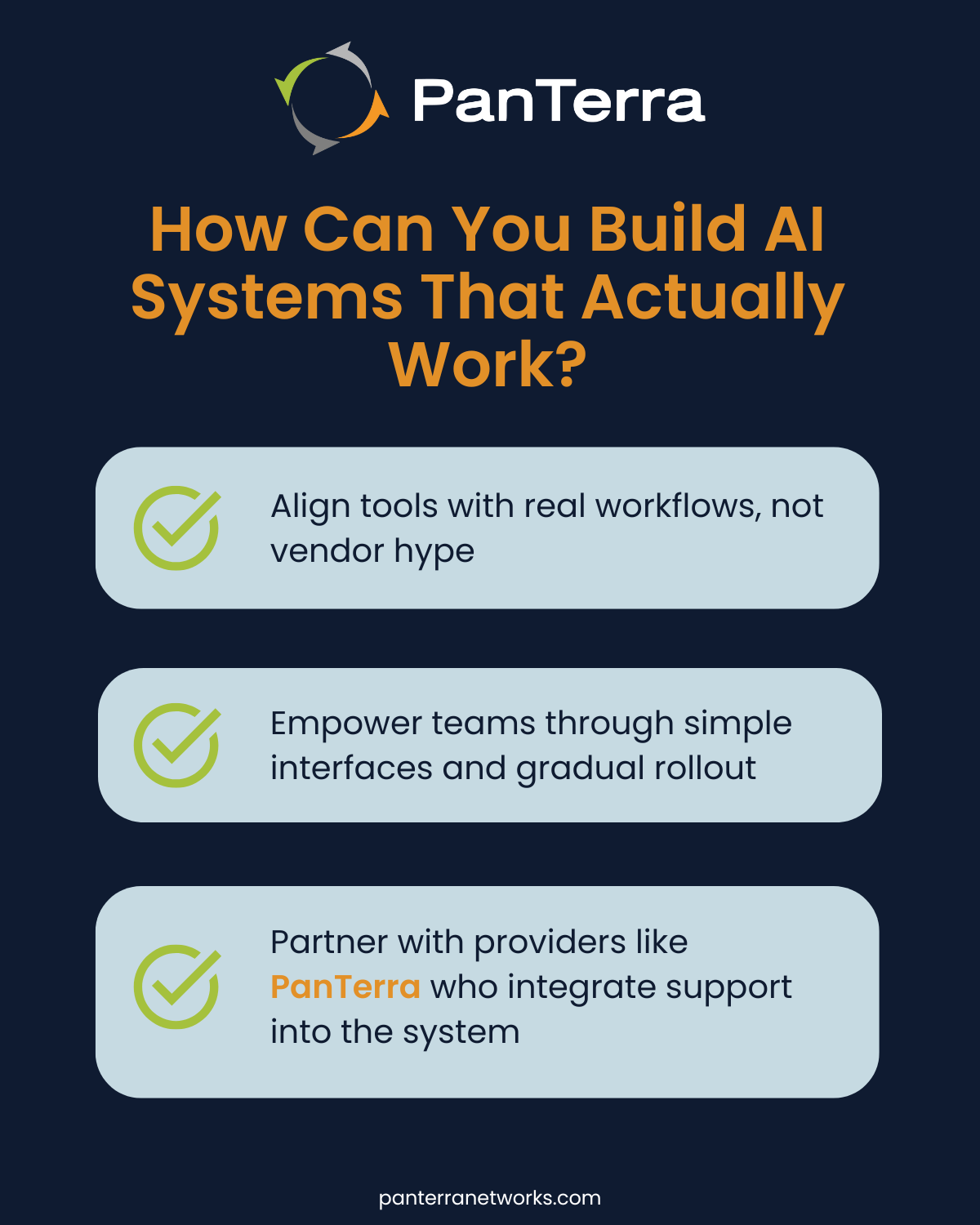
Start with one workflow, learn fast, then scale with champions.
The best AI deployments scale from confidence, not pressure. Choose your first battle wisely. Win it. Then build a coalition around those wins.
What actually works with AI productivity tools?
Fewer tools, cleaner integration, and workflows that stay invisible to users.
A mid-sized enterprise I worked with had five different AI platforms: one for notes, one for alerts, one for CRM sync, one for scheduling, and one for tagging. It was a mess.
We replaced it with a single system that integrated cleanly with their comms stack. Meetings dropped by a third. Message clarity doubled.
That’s the real promise of AI: not to do everything, but to do the right things quietly. Invisible integrations. Natural nudges. Systems that serve, not distract.
Instead of building tech stacks, smart teams build ecosystems. They orchestrate workflows. They use tools to extend, not complicate, how work gets done.
AI is only as good as the system it's a part of. Don't buy a tool. Build a framework.
Looking for a Partner, Not Just a Platform?
PanTerra helps businesses focus less on shiny features and more on sustainable systems.
Frequently Asked Questions
How long does AI tool implementation typically take?
Most teams see initial results in 4-6 weeks. Full adoption happens over 3-6 months with proper support.
What's the real cost of AI implementation?
Budget 40-60% above software costs for training, integration, and support in year one.
Will AI tools replace our team members?
No. AI handles repetitive tasks so teams can focus on strategic work.
How do we measure AI tool success?
Track time saved, errors reduced, customer satisfaction, and actual usage rates.
What if our team resists the new AI tool?
Start small with one workflow. Get early wins and build champions before scaling.
.jpg?width=500&height=500&name=Are%20you%20Getting%20a%20Good%20Deal%20(1).jpg)
Comments